put text behind image online — free tool

No app, no signup — works in any browser instantly

Upload an Image

Drag and drop or click to select

Maximum file size: 50MB

Or upload from URL
Or try with a sample image:
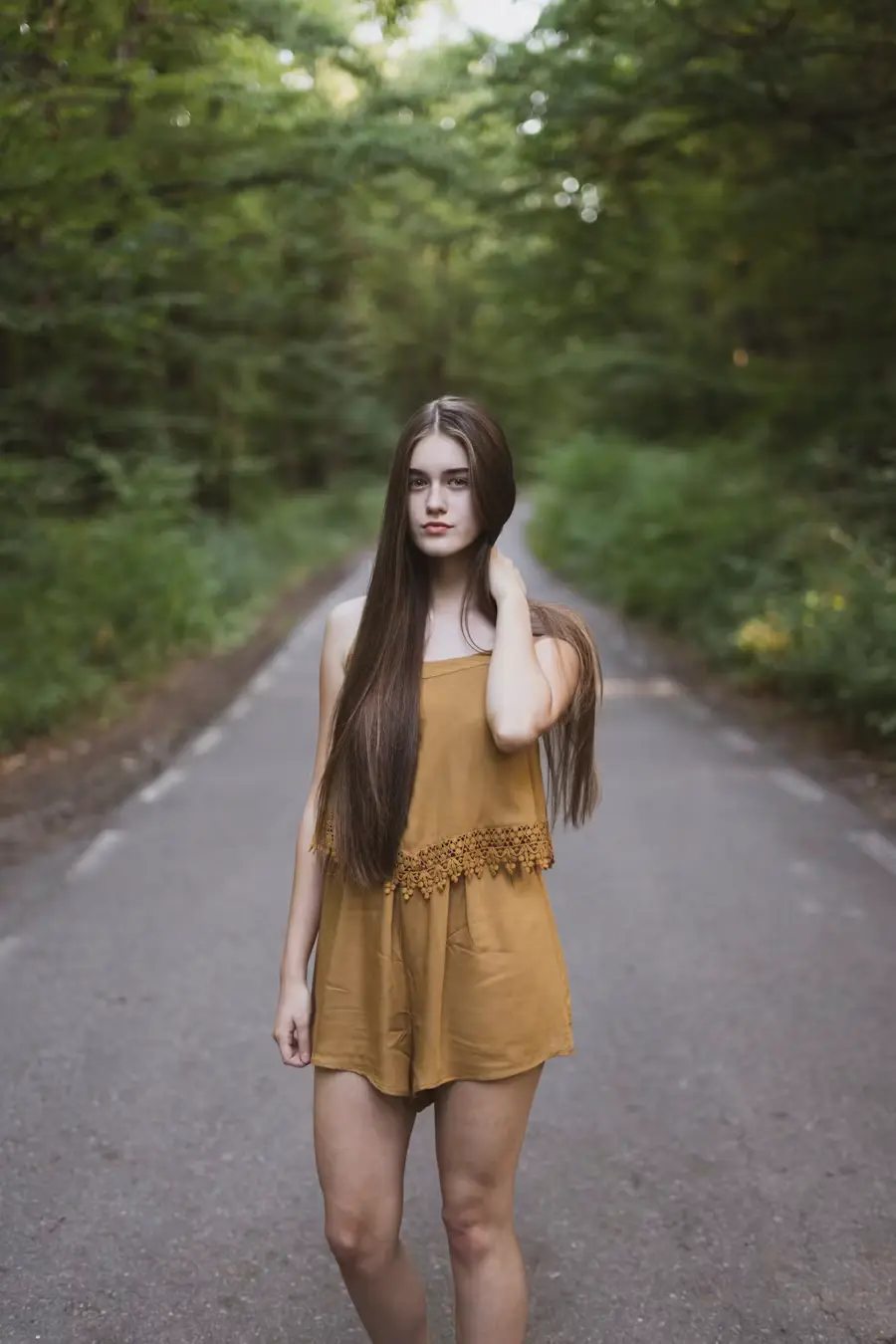
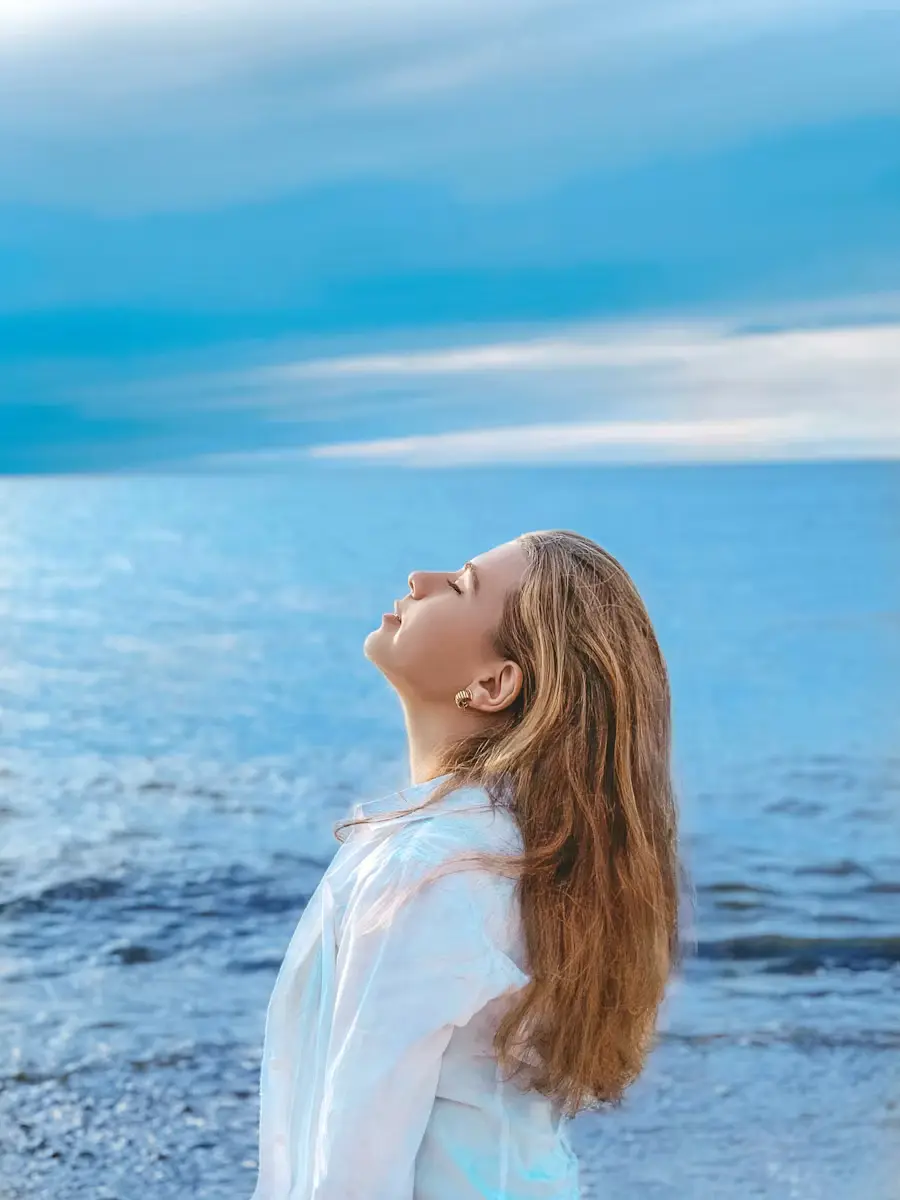
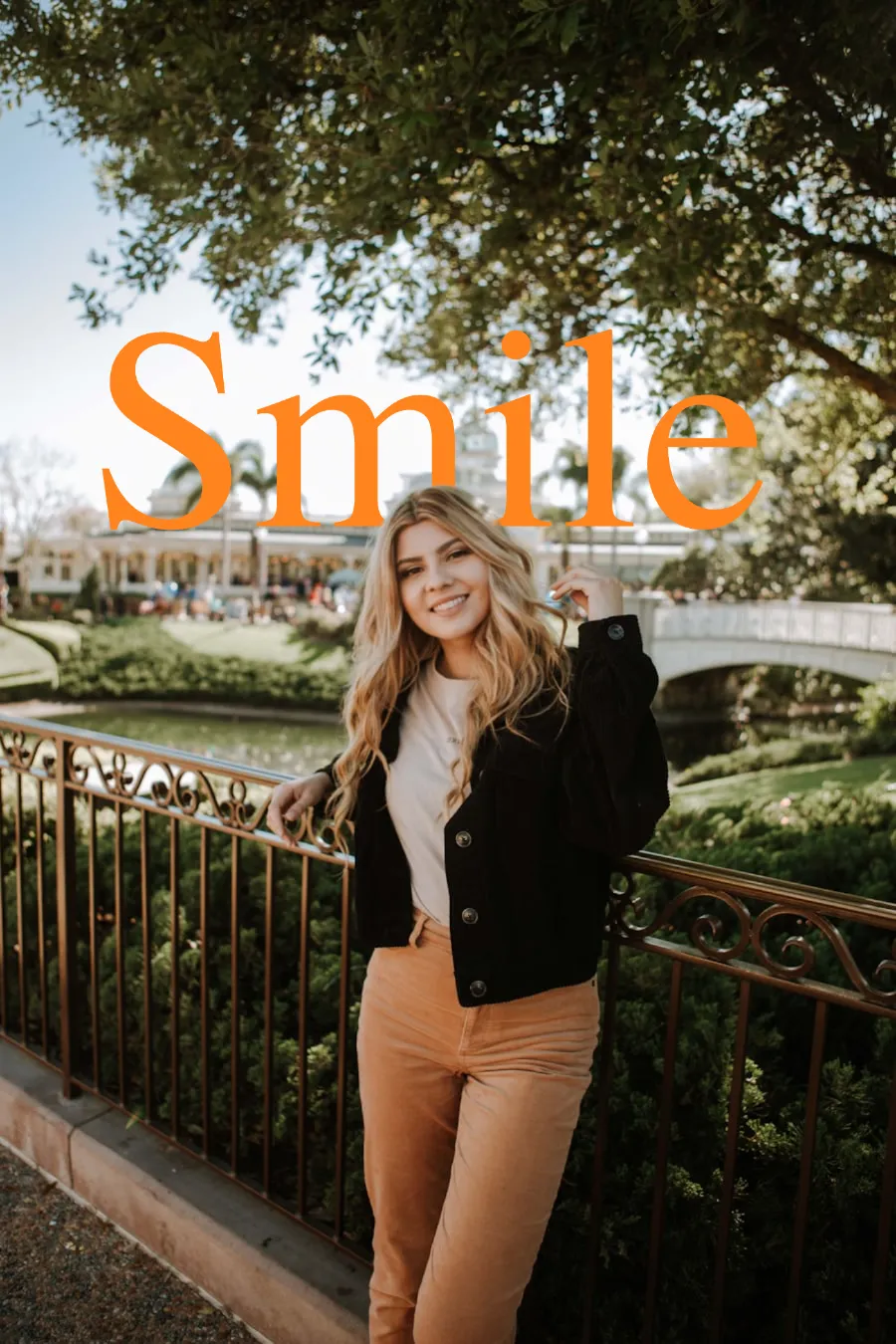
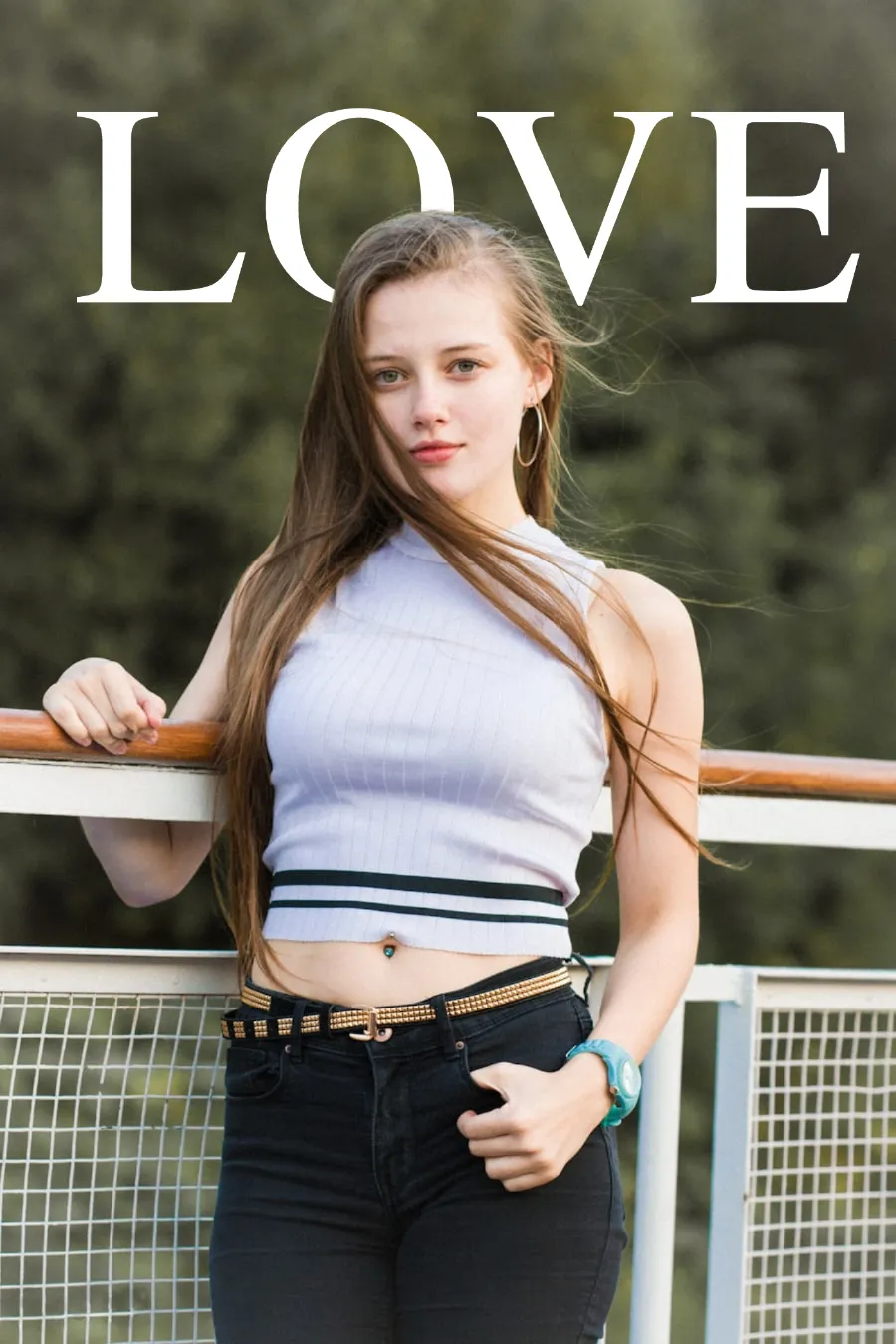
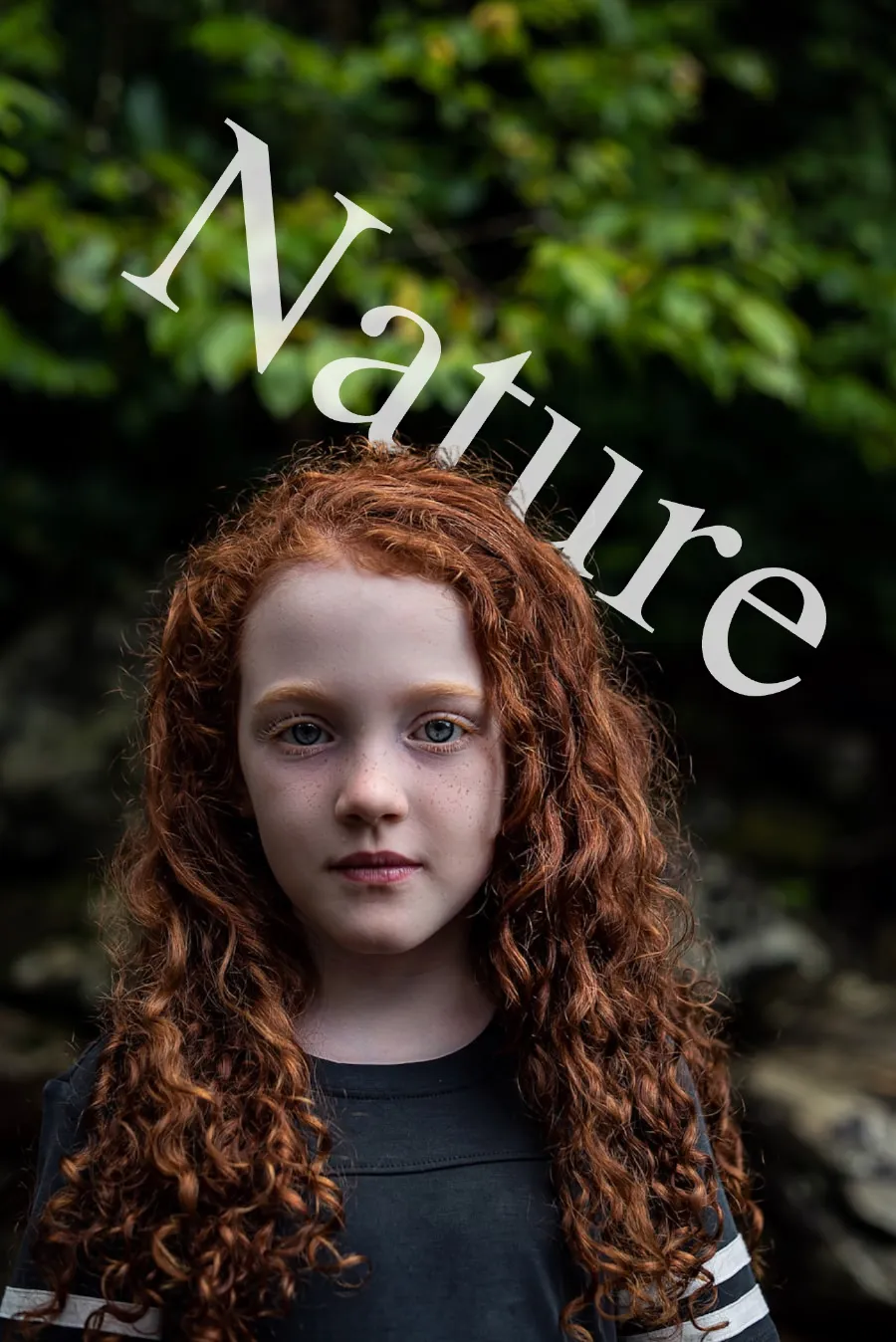
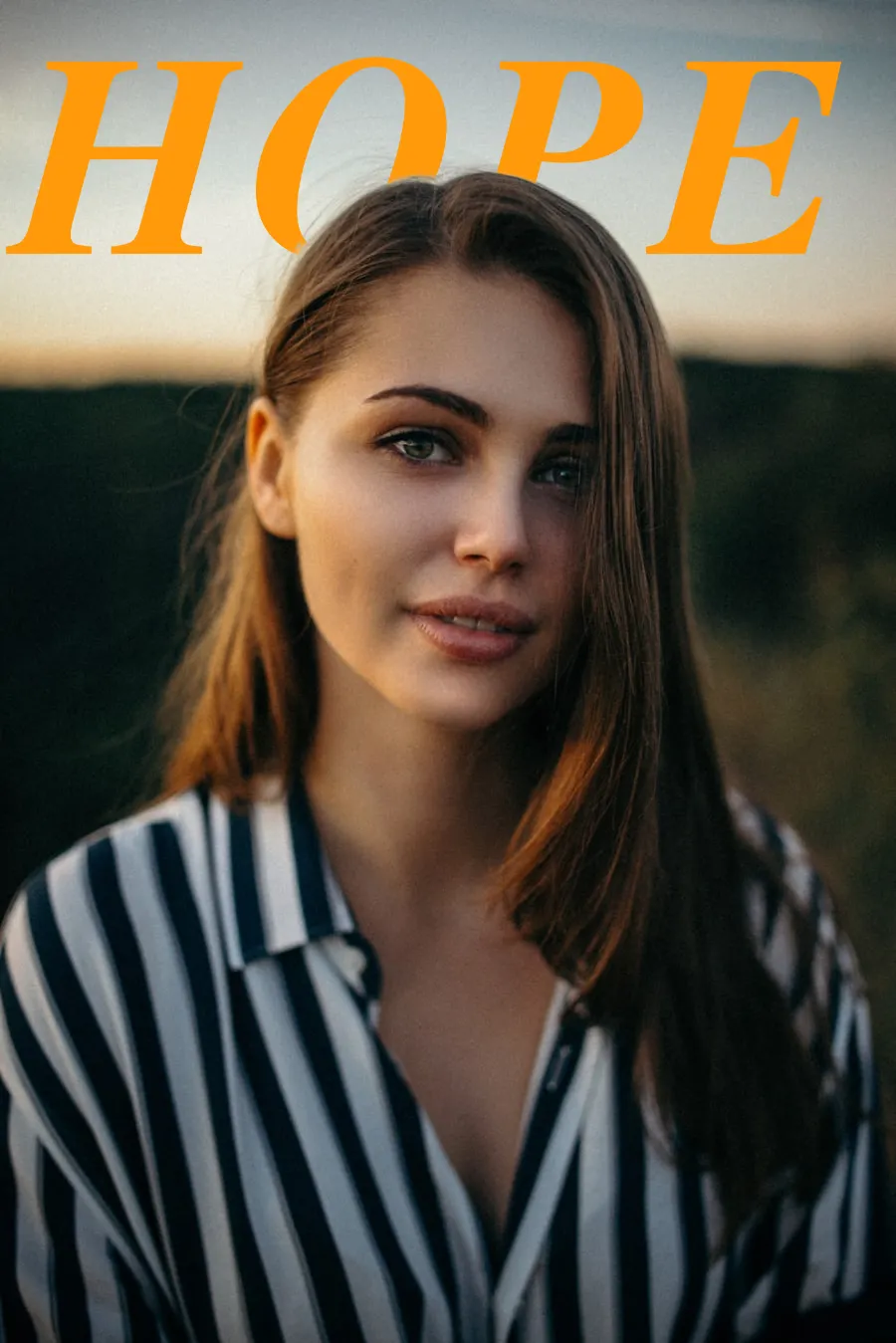
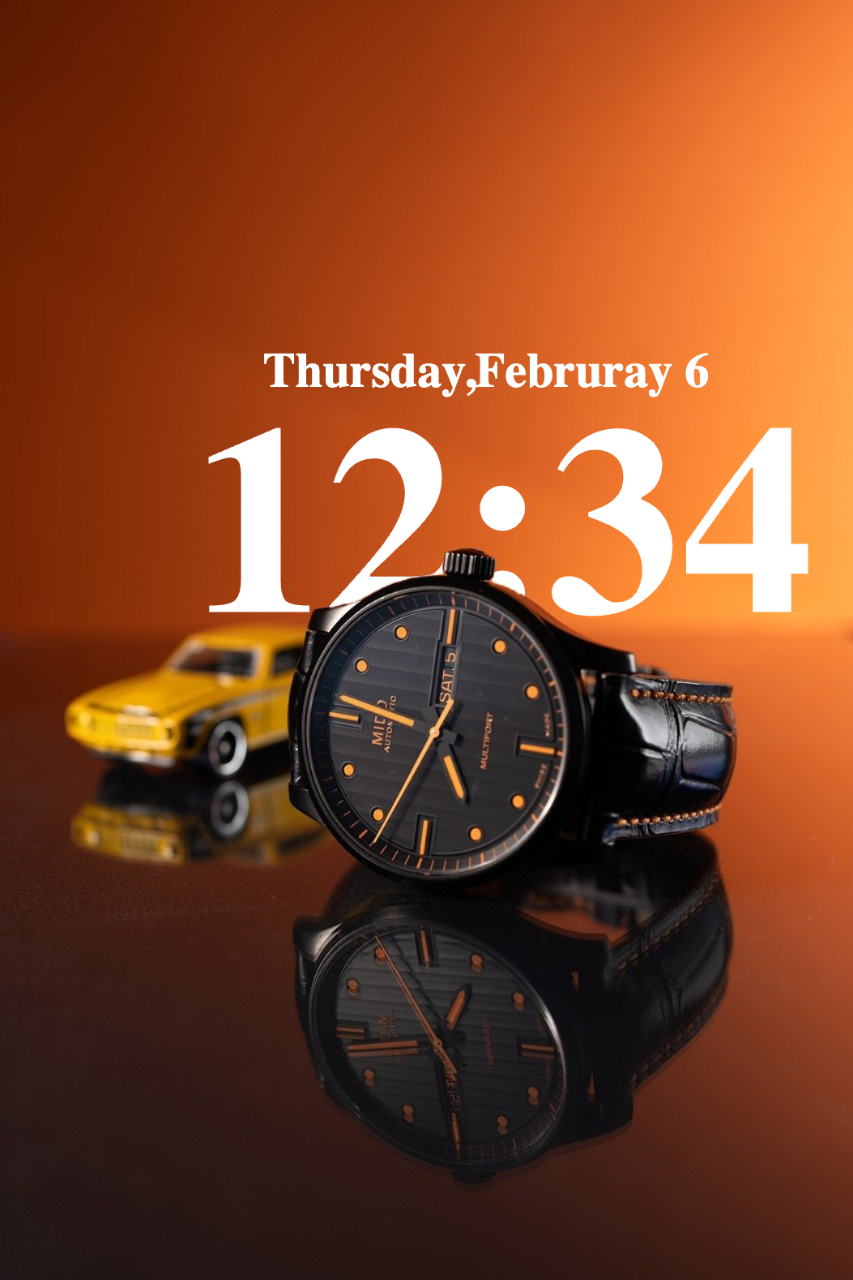
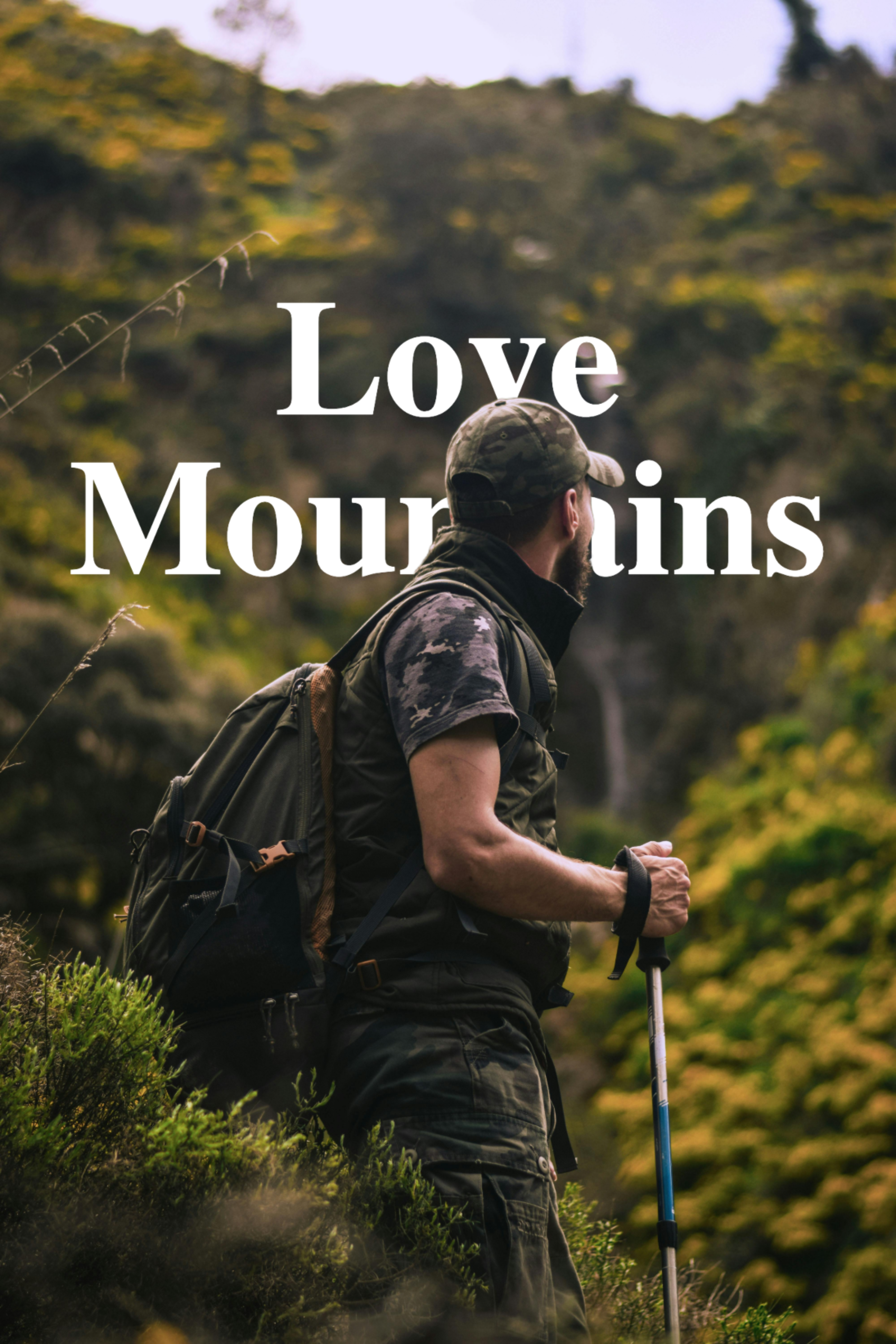
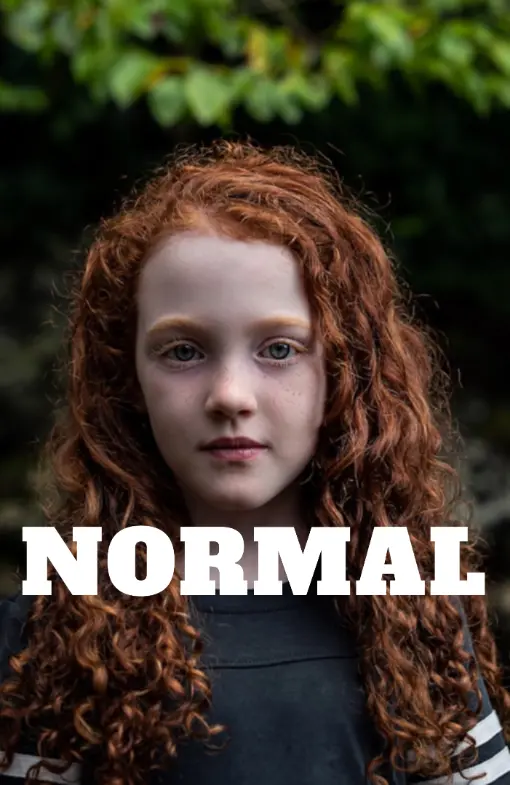
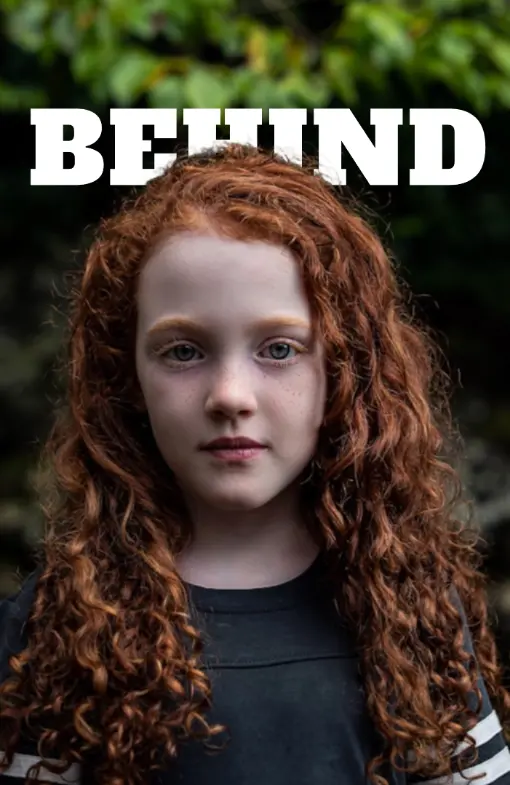
Sample portrait photo for text behind image effect Sample woman photo to try text behind image tool Sample outdoor portrait for text overlay design Sample fashion portrait for text behind image editor

Showcase

Make your photos look like cool posters
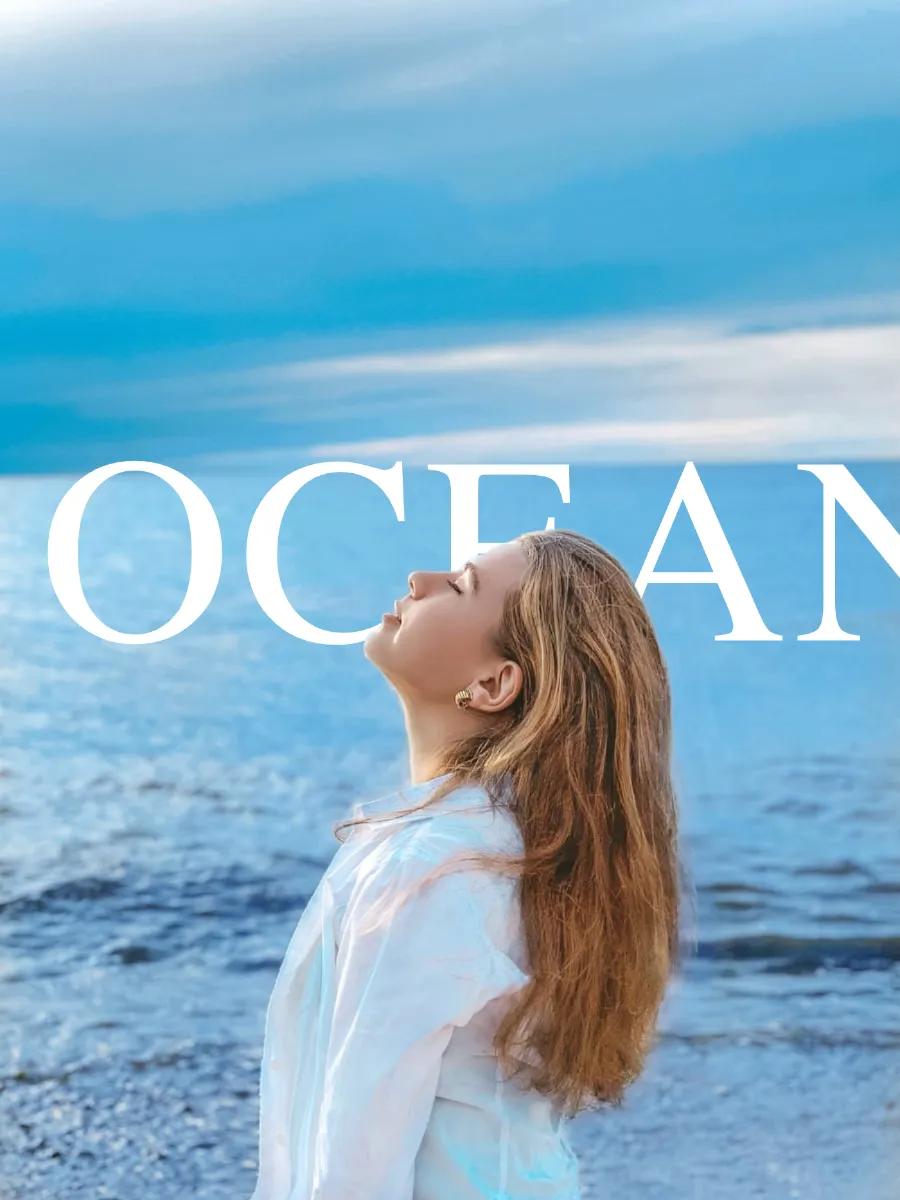
Image format
Please wait... First run may take 30–60s while the AI model loads. Next time it'll be instant.
Processing image 😊.....
TEXT LAYERS
Upload an image to start
Add or select a text layer
to edit its properties
BLEND MODE
EFFECTS
Subject Image
Background Image
Both Images
textbehindimg.com - Free text behind image editor | Product Hunt Buy Me A Chai

How to Put Text Behind an Image Online — Step by Step

1

Open the Editor and Upload Your Image

No download or signup needed — the editor opens immediately in your browser. Drop your JPEG, PNG, or WebP image onto the upload area or click to browse. You can also paste an image URL. The AI detects the subject instantly.

2

Add and Style Your Text

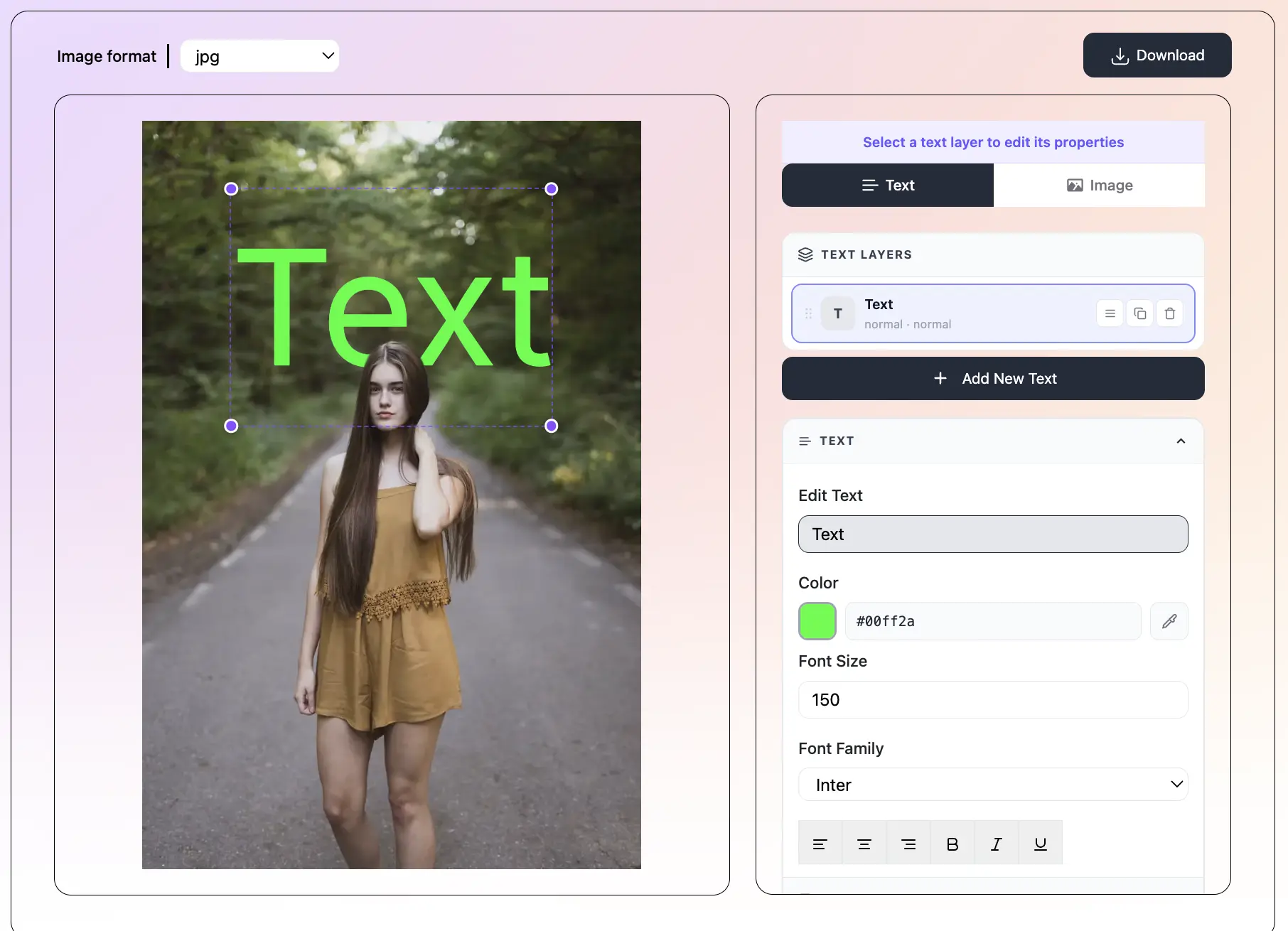
Click 'Add Text' to open a new Text Layer. Type your text, choose a font from 150+ options, pick a color, and set the size and alignment. Apply a one-click preset for a fast complete style. Add multiple layers if your design needs them.

3

Set Text to Behind Mode

In the Overlay panel, switch to Behind mode. The text now sits behind the subject in the image. Drag to reposition or use the sliders for precision. Apply blend modes, perspective, or depth for extra dimension online.

4

Download Your Image

Click the Download button when your design is done. The image saves to your device in the format that matches your upload — change it if you need JPEG, PNG, or WebP. No watermark, no account prompt, no redirect.

What is TextBehindImg?

Put text behind any image online — right in your browser, for free, with no account required. Upload your photo, type your text, and the AI automatically detects the subject and places your text behind it in seconds. There is nothing to install and nothing to sign up for. Works on any device with a modern browser.

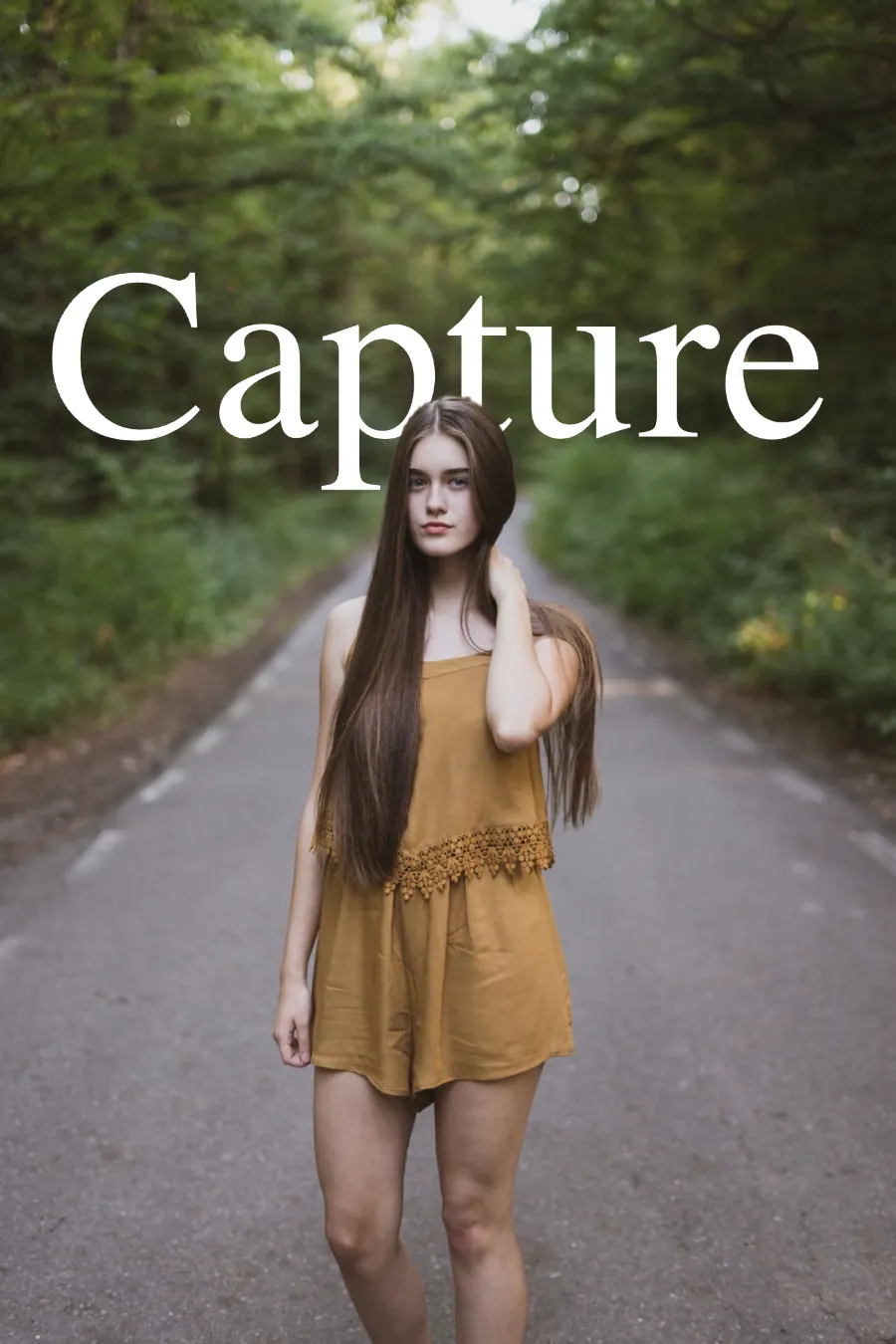
Text behind image example — person with text placed behind them
100% Online — Nothing to Install or Sign Up For - text behind image feature

100% Online — Nothing to Install or Sign Up For

Open the editor in any browser and start designing immediately. No app download, no account creation, no email confirmation. Everything runs inside your browser — the AI, the text rendering, the filters, and the export — with no setup required.

AI Automatically Detects the Subject - text behind image feature

AI Automatically Detects the Subject

Upload any image and the AI instantly identifies the subject — person, product, animal, or object — and separates it from the background. Switch to Behind mode and your text sits behind the subject with no manual masking or selection.

36 Presets and 10 Text Effects Ready to Use - text behind image feature

36 Presets and 10 Text Effects Ready to Use

36 one-click presets (Neon, Vintage, Fire, Chrome, Matrix, and more) apply a complete style instantly. 10 text effects including Cutout, Mirage, Cinematic, 3D Shadow, and Distortion add visual depth to your online designs.

150+ Fonts, Blend Modes, and Perspective Controls - text behind image feature

150+ Fonts, Blend Modes, and Perspective Controls

Choose from 150+ Google Fonts and customize letter spacing, rotation, bold, italic, and size per text layer. Apply 7 blend modes to blend text into the image, add 3D depth, or tilt text with perspective for a professional online result.

Download Instantly — No Watermark - text behind image feature

Download Instantly — No Watermark

When your design is ready, click Download. The file saves directly to your device in JPEG, PNG, or WebP — whichever format matches your original image. No watermark, no compression, no redirect to a sign-up page.

Private — Your Images Stay on Your Device - text behind image feature

Private — Your Images Stay on Your Device

Because everything runs in the browser, your photos are never uploaded to any server. Once the page loads you can disconnect from the internet and the editor still works fully. Complete privacy by design.

Frequently asked questions

No signup at all. Open the editor in your browser and start immediately. No email, no account, no free trial with a paywall. Every feature is available from the first moment.

Yes. The entire editor — AI subject detection, text rendering, blend modes, filters, and export — runs in your browser with nothing to install. It works on Chrome, Firefox, Safari, and Edge.

Yes. The online editor works on iPhone (Safari) and Android (Chrome) with no app download. Upload from your phone's camera roll and download the result directly to your device.

Completely free. No subscription, no usage limits, no watermarks. You can create and download as many designs as you want.

Your images are never uploaded to any server. All processing runs locally in your browser. Once the page has loaded, the editor works even without an internet connection. Your images stay entirely on your device.

TextBehindImg is purpose-built for this effect. It does the AI subject detection automatically, requires no signup, has no watermarks, and works entirely in the browser — making it faster and simpler than general design tools for this specific use case.

Yes. You own everything you create online here. Use your designs for ads, client work, social media, YouTube, or any commercial purpose.

Under two minutes from upload to download for most designs. The AI detects the subject in seconds, applying a preset takes one click, and repositioning text is done by dragging.

Recent Posts