Maximum file size: 50MB
Make your photos look like cool posters
Drop a JPEG, PNG, or WebP photo onto the generator or click to browse. Paste an image URL to load a photo directly from the web. The AI starts processing immediately — detecting the subject and preparing the layer separation needed to generate the behind-image effect.
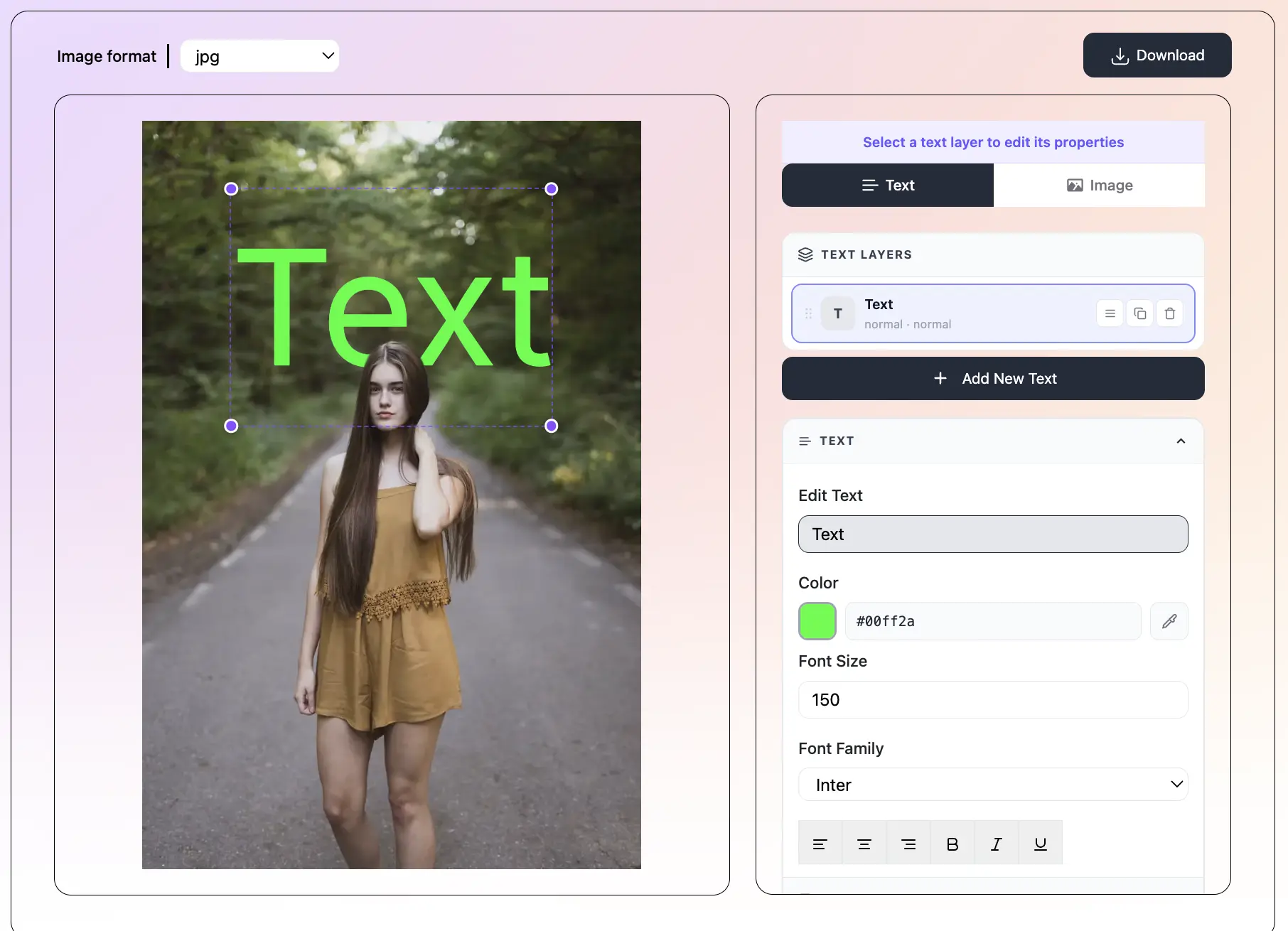
Click 'Add Text' to open a new Text Layer. Type your text, choose a font, color, and size. Apply one of 36 preset styles to generate a complete look instantly. Try multiple presets to see different generated results — switching is instant and non-destructive.
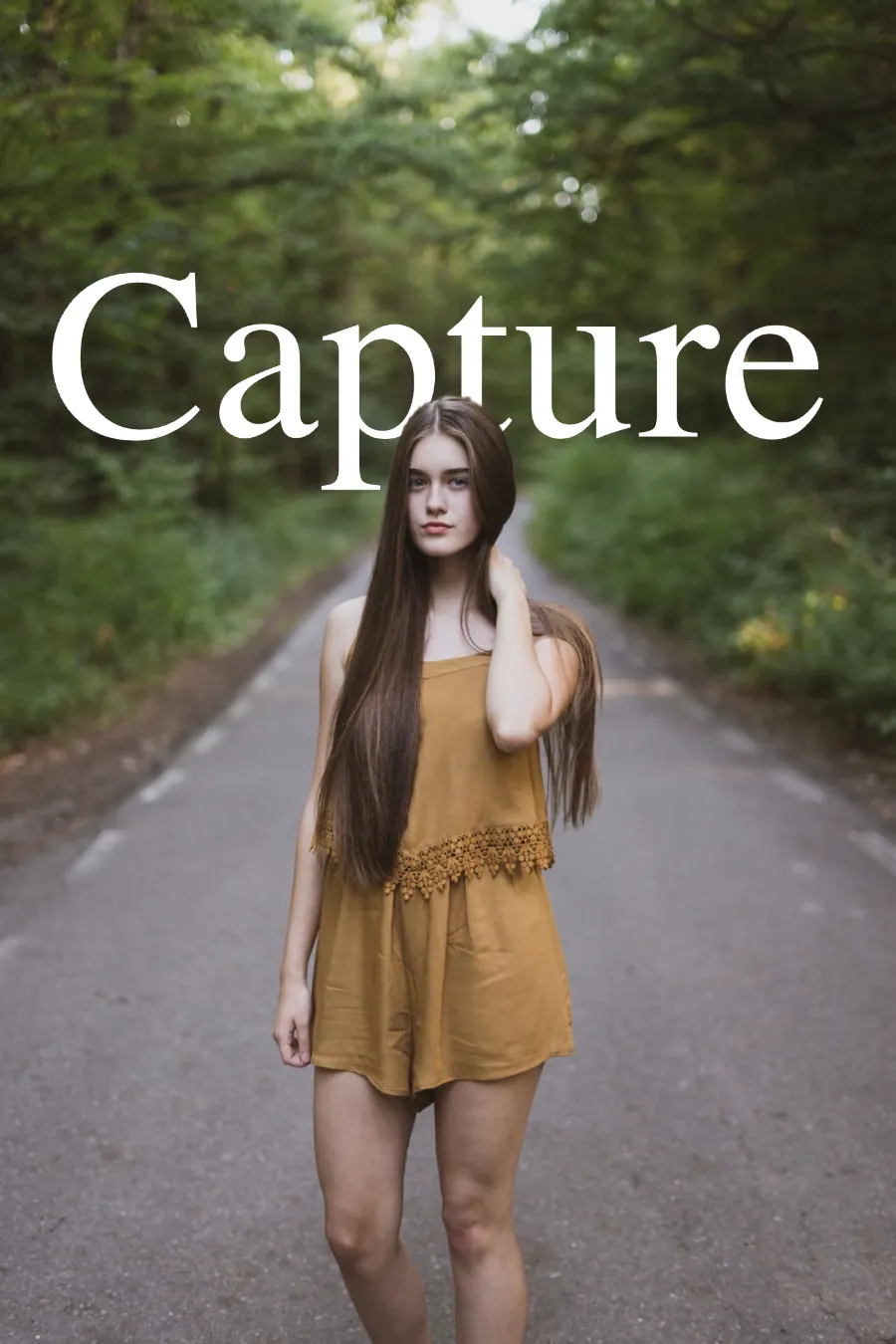
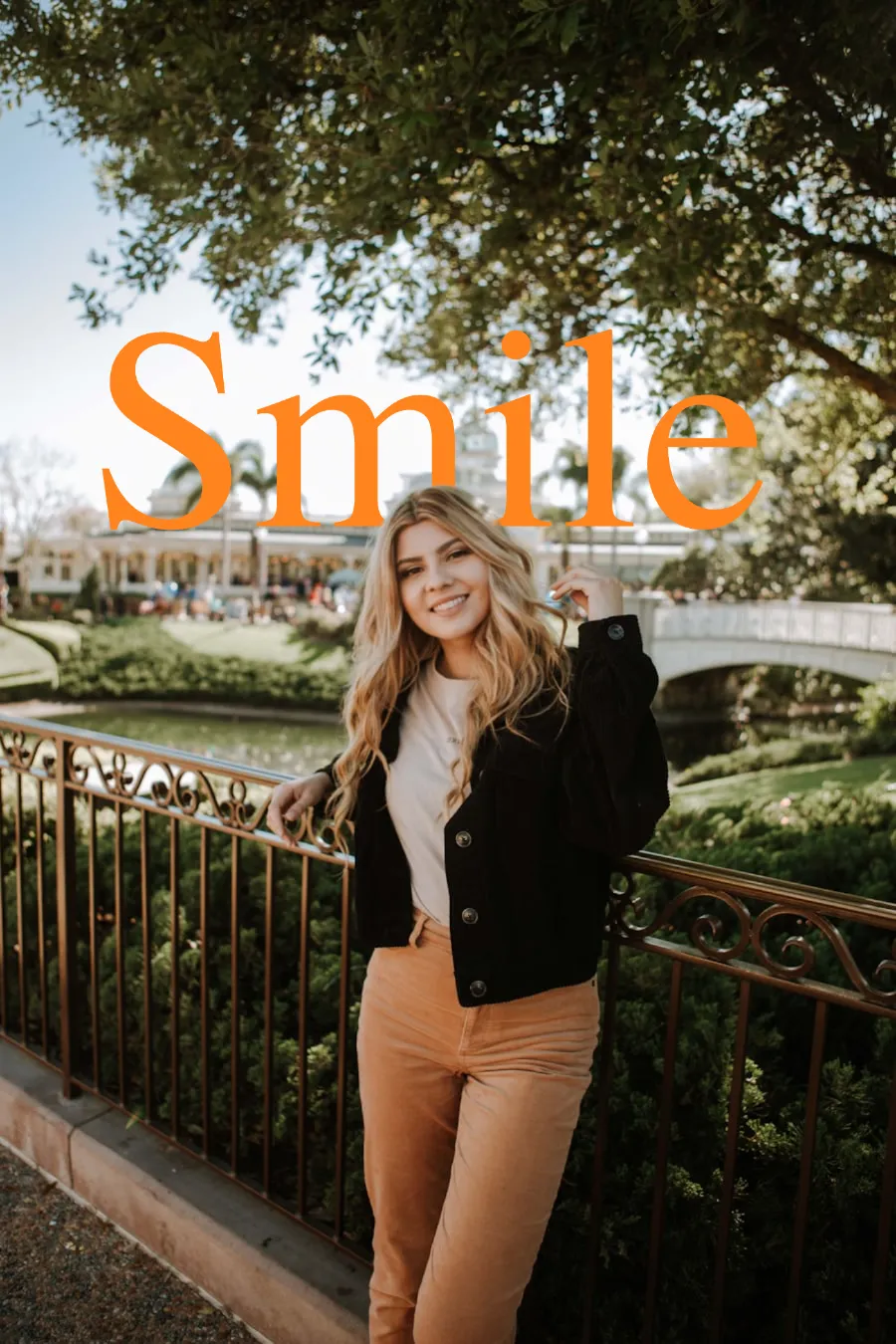
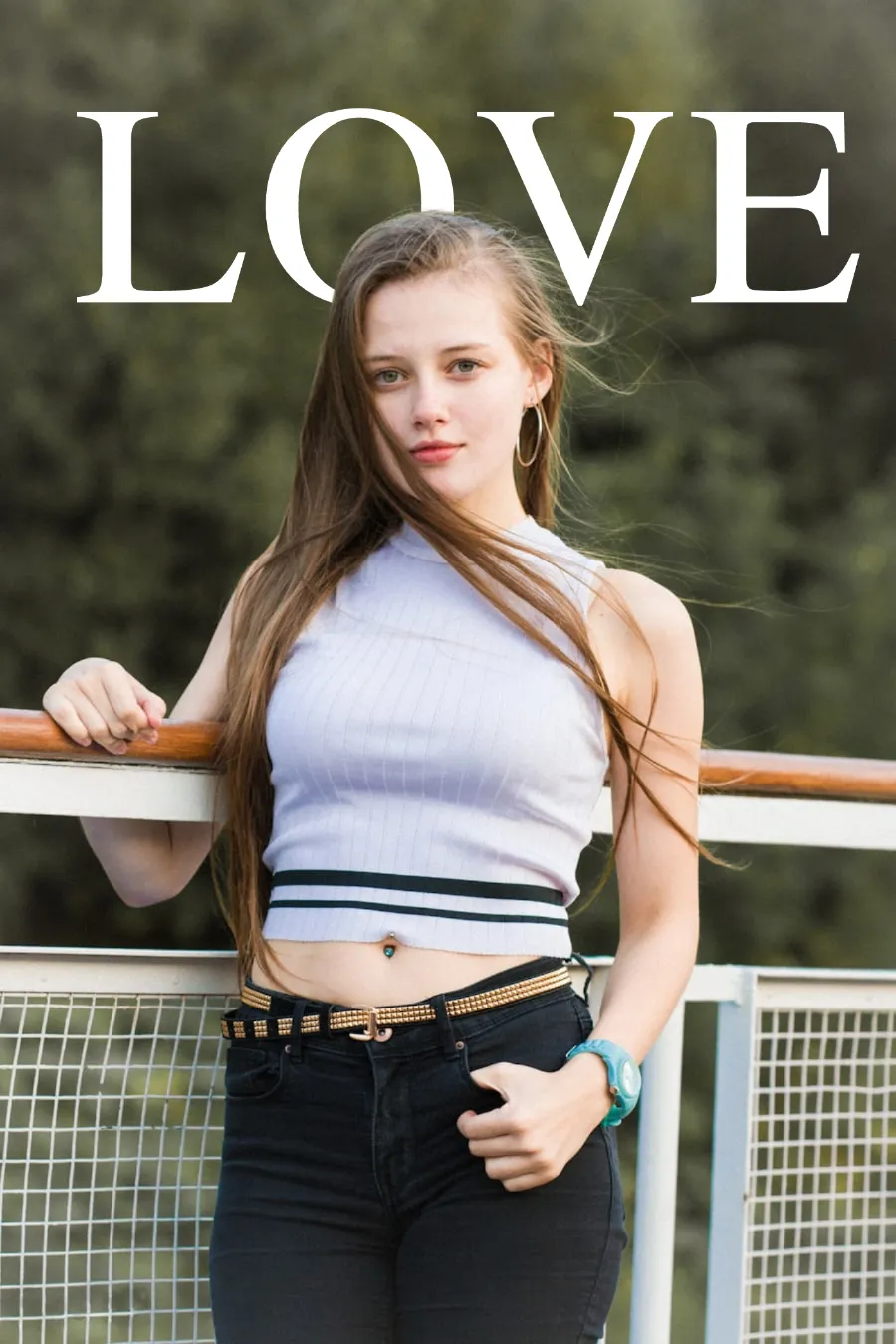
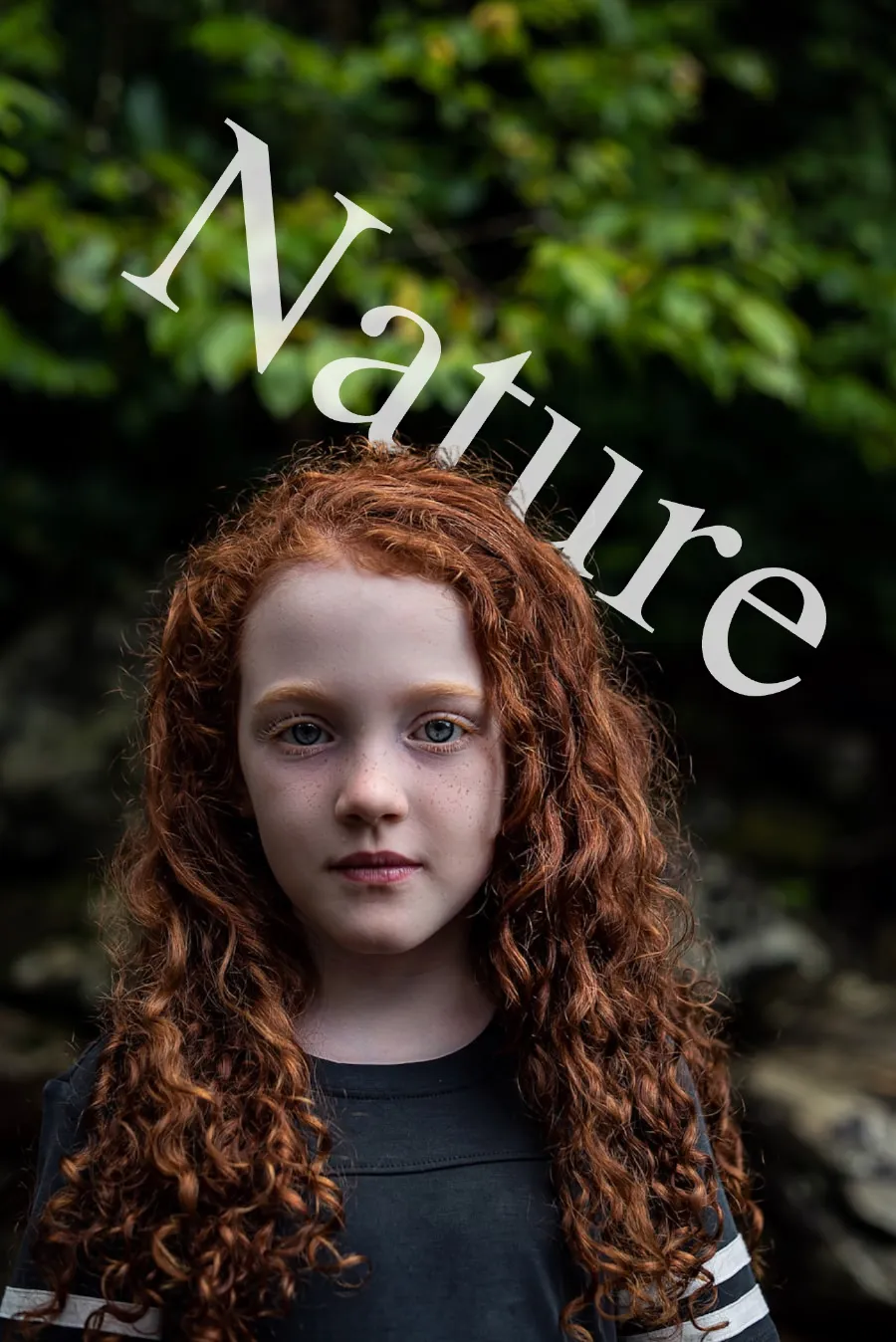
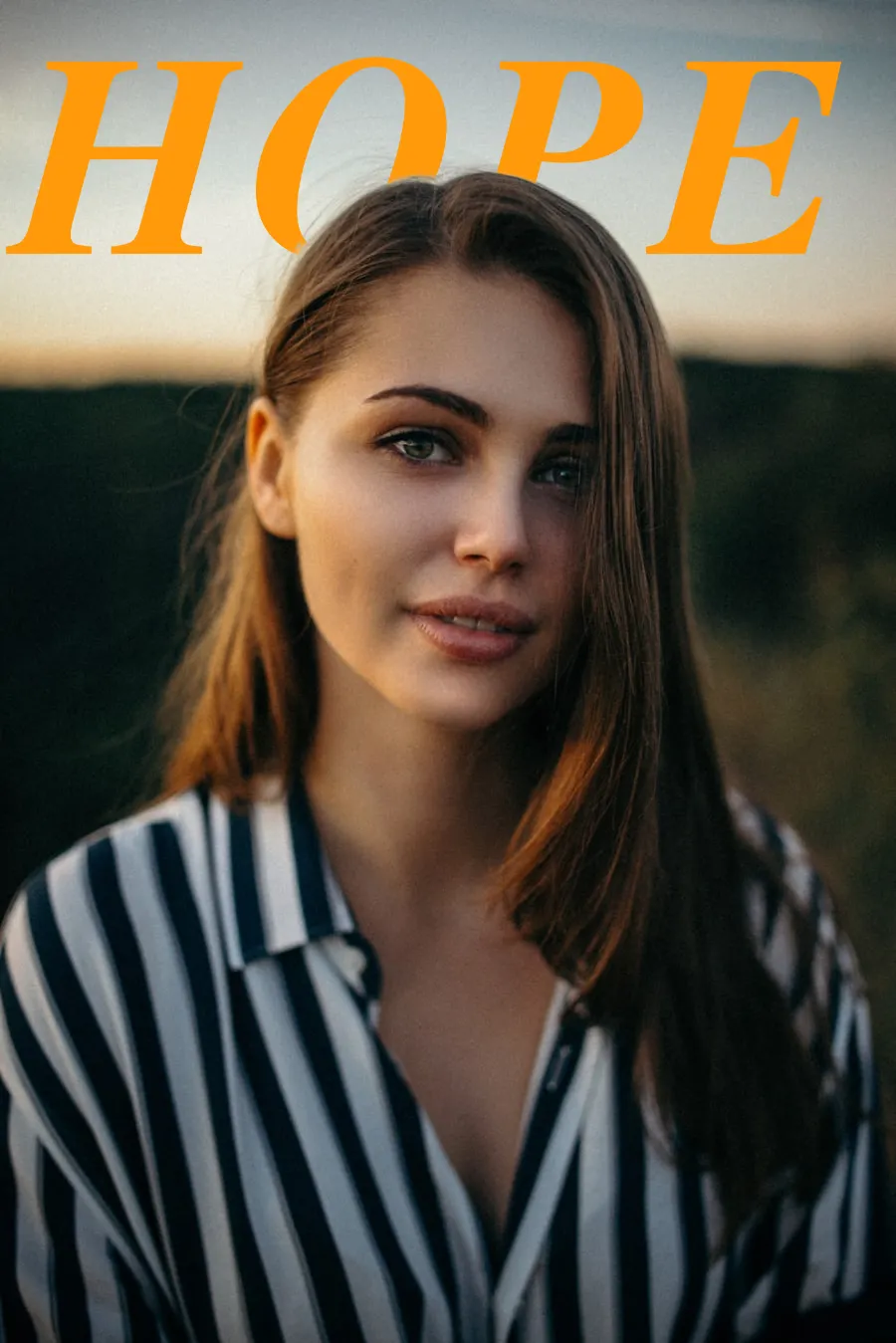
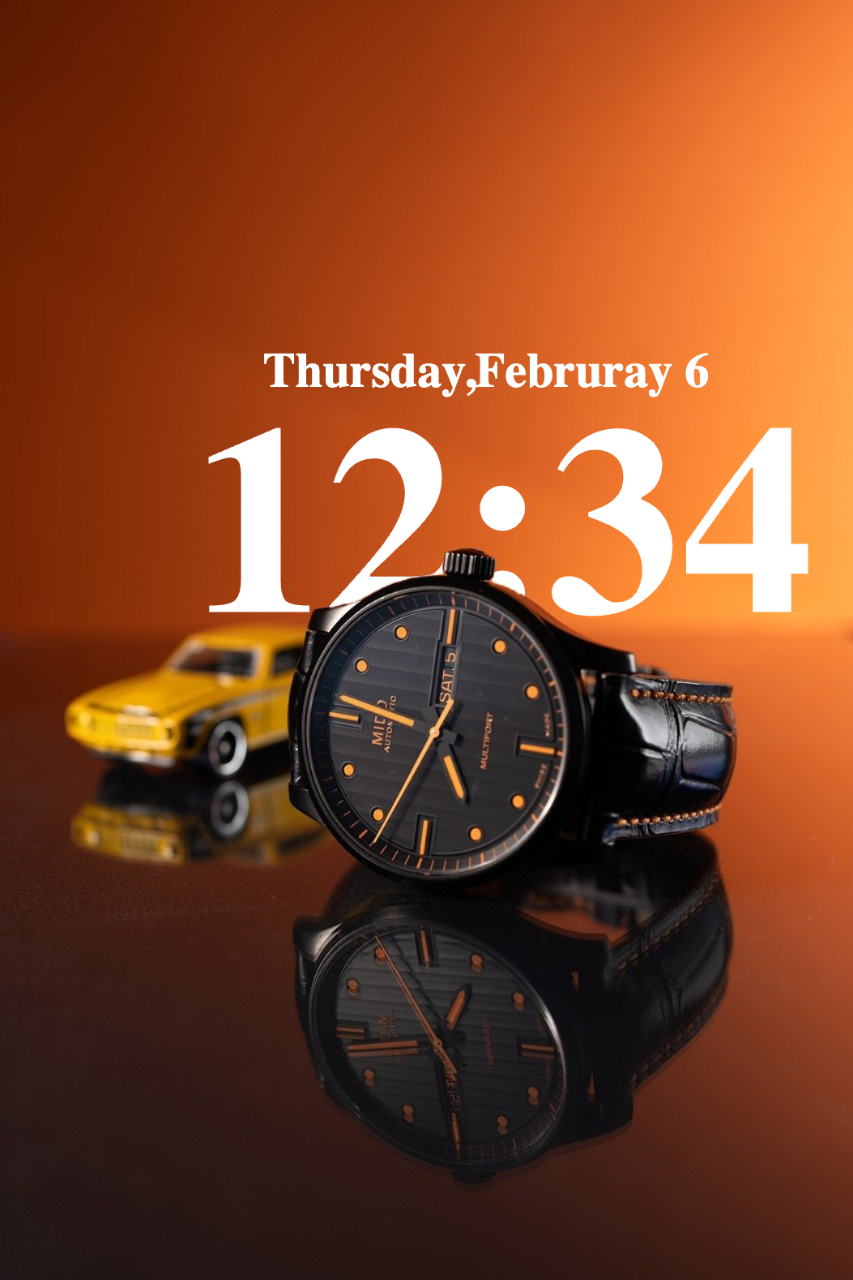
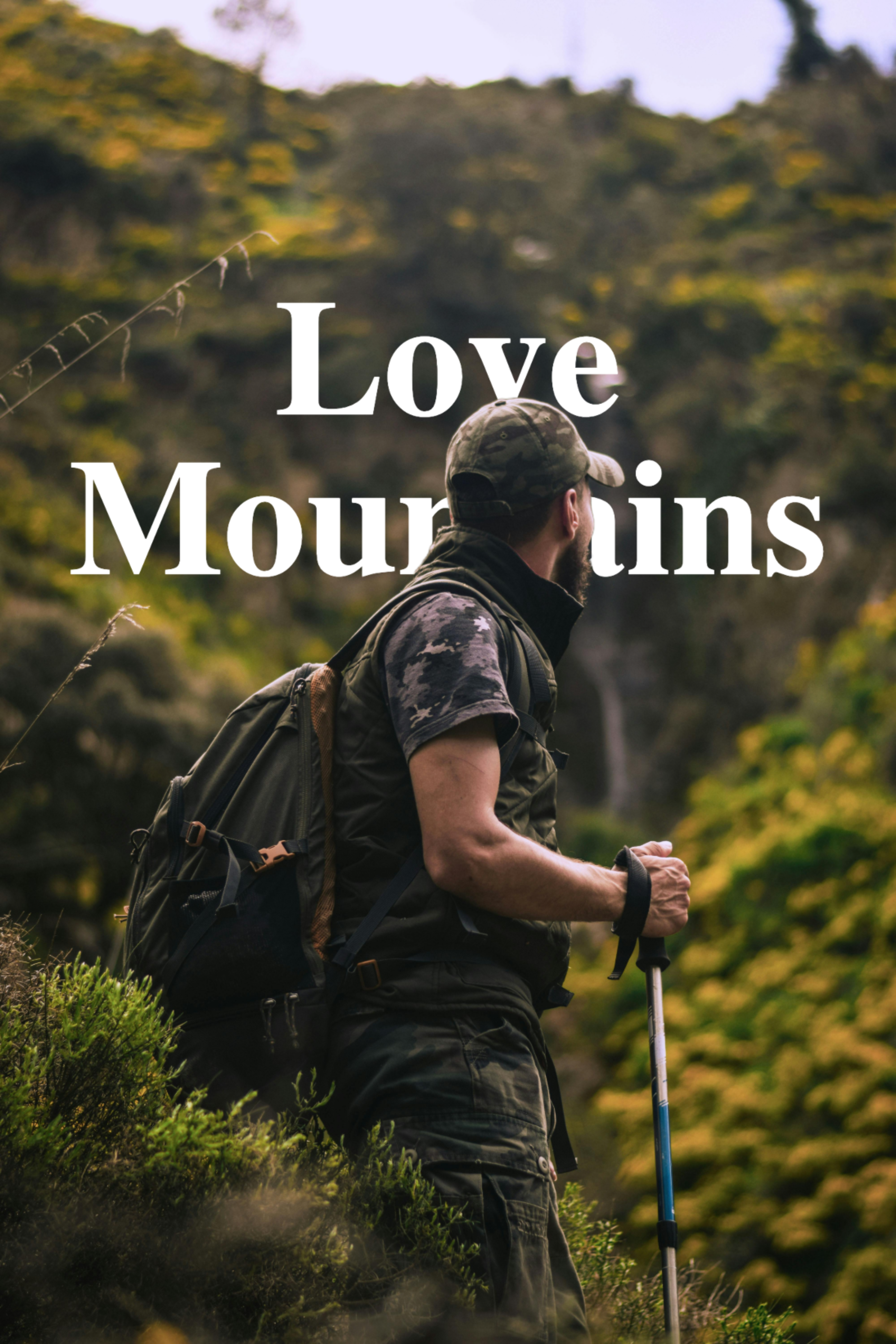
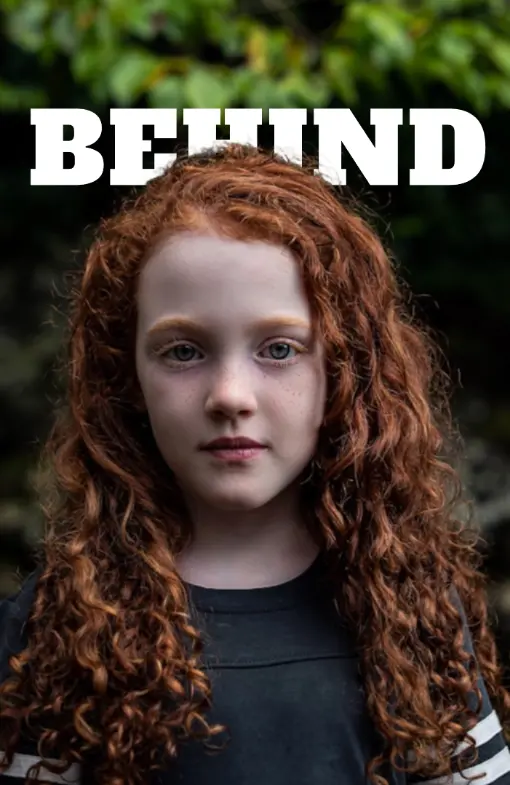
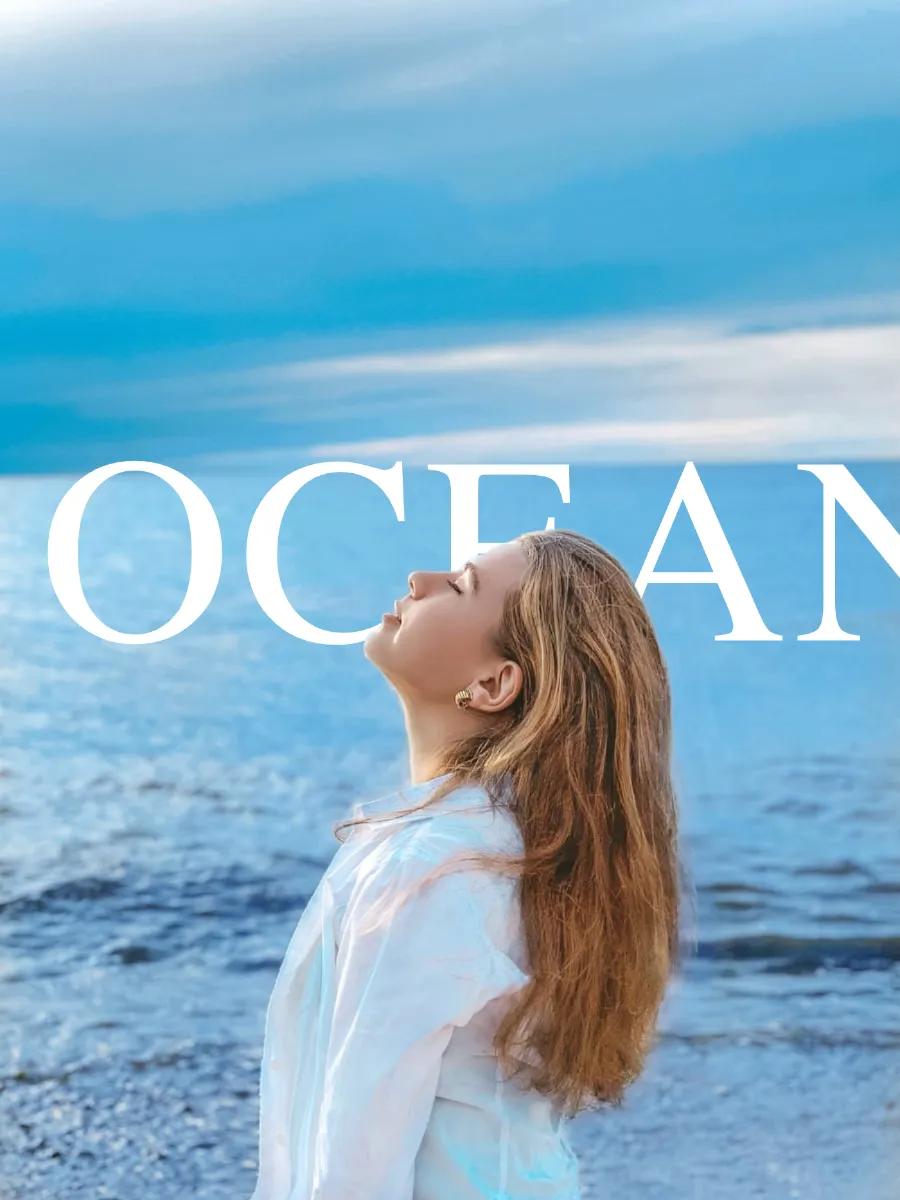
Switch Overlay Mode to Behind. The generator composites your text between the background and the AI-detected subject — the text-behind-image effect is generated immediately. Drag to reposition, apply blend modes, add 3D depth, or tilt with perspective for a more advanced generated result.
Use the filter tabs to fine-tune the generated image — adjust brightness and contrast on the subject and background separately. Click Download. Your generated text-behind-image saves to your device instantly in the right format, with no watermark.
What is TextBehindImg?
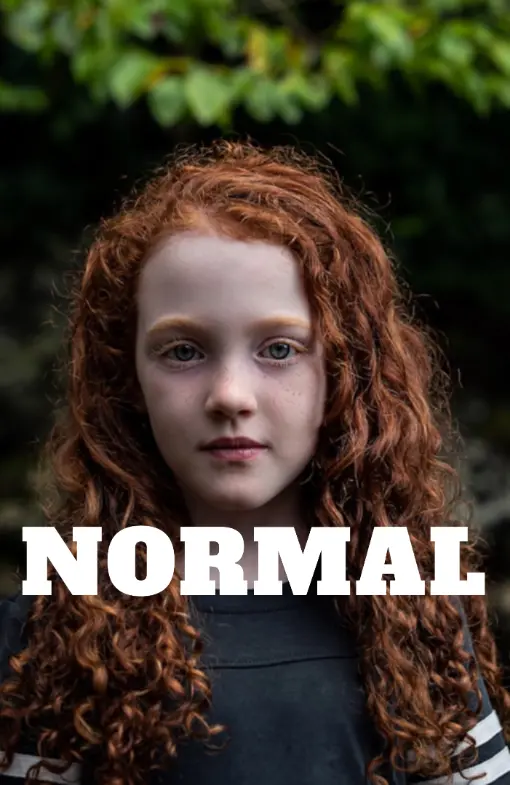
TextBehindImg is a free online text-behind-image generator that lets you create the depth effect where text sits behind a person or object in a photo. Upload your image, type your text, and the AI generates the layered composition automatically — no Photoshop, no design skills, no account required. Generate unlimited designs and download them instantly with no watermark.
Upload any photo and the generator's AI automatically detects the subject and separates it from the background. Add your text, hit Behind mode, and the behind-image effect is generated in seconds. No manual steps, no layer management, no masking — just a fast automated result.
Generate as many text-behind-image designs as you need with no usage limits. No account required, no subscription, and no watermarks added to your downloads. The generator is fully free from your first use to your hundredth.
The generator includes 36 one-click presets — Neon, Vintage, Fire, Chrome, Matrix, Minimal, Grunge, Gothic, Cinematic, and more. Each generates a complete styled result with a matching font, color, and spacing. Try multiple presets in seconds to find the look that works.
The generator gives you 150+ Google Fonts to choose from and 10 one-click text effects: Cutout, Mirage, Cinematic, 3D Shadow, Chrome, Neon, Distortion, Echo, Celebration, and the default Text Behind look. Generate stylistically varied results from the same photo with different combinations.
When your generated design is ready, download it in the format that matches your use case. The generator auto-selects the format that matches your uploaded file. Change to JPEG for smaller files, PNG for transparency, or WebP for optimized web use. No watermark on any download.
The generator runs in any modern browser with no app download required. Use it on desktop for precision work or on your iPhone or Android phone to generate designs straight from your camera roll. Everything stays on your device — your photos are never uploaded to a server.