Maximum file size: 50MB
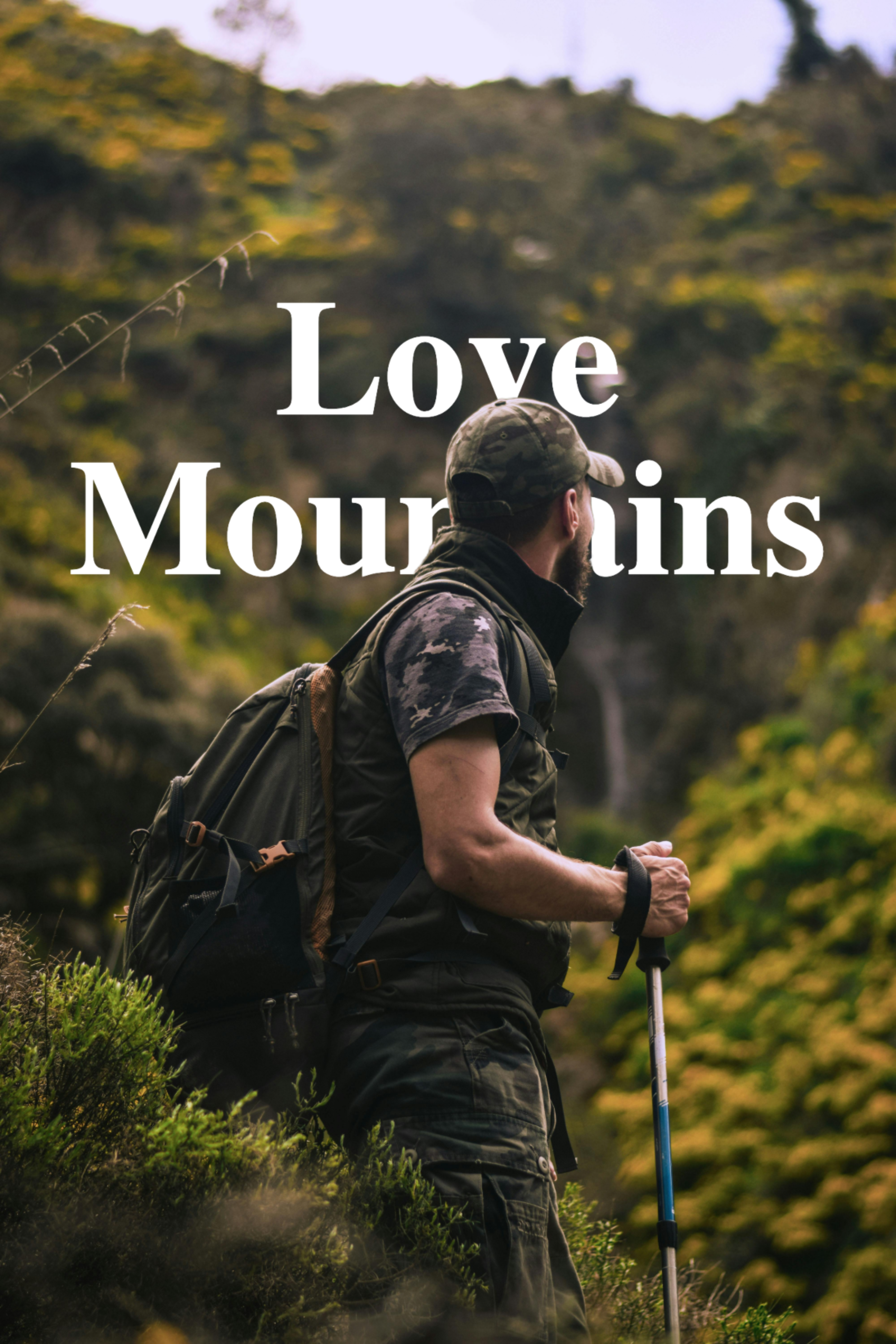
Make your photos look like cool posters
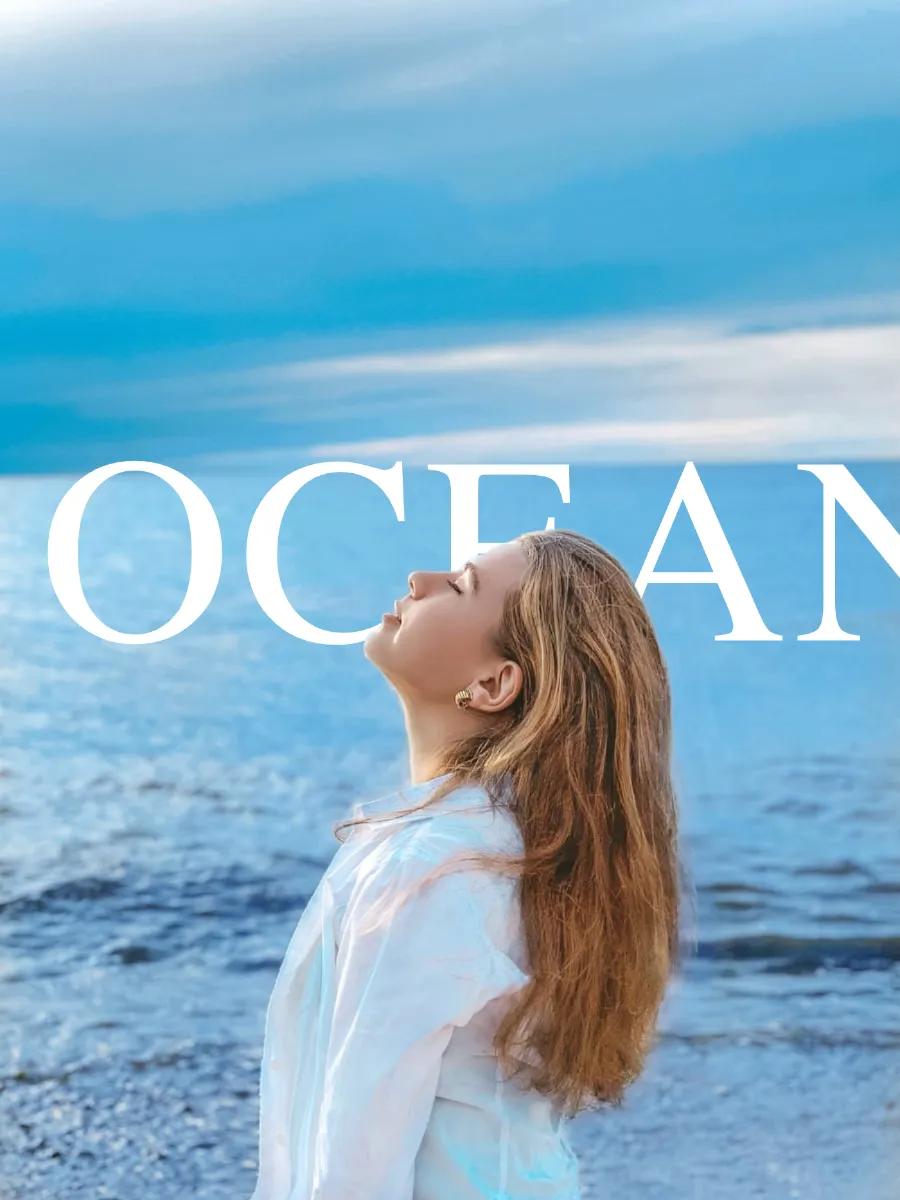
Go to TextBehindImg.com in Chrome on your Android phone or tablet. The editor loads immediately in the browser — no Play Store download needed. Tap the upload area and select a photo from your gallery. The AI detects the subject in seconds.
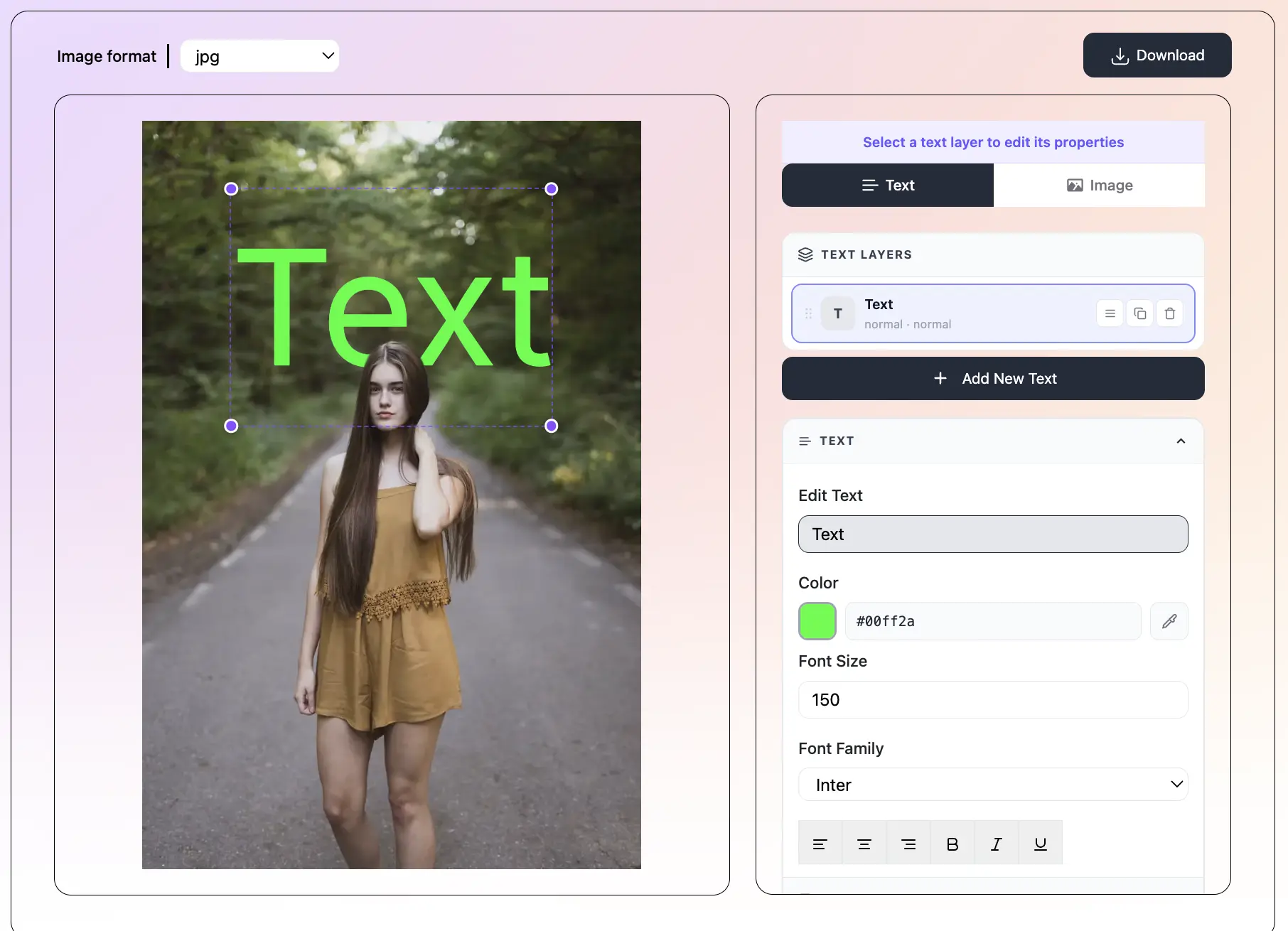
Tap 'Add Text' to create a new Text Layer. Type your text, pick a font from 150+ options, and set the color and size. Tap any preset to apply a complete style in one tap. Add multiple layers for a more complex design — each one is fully independent.
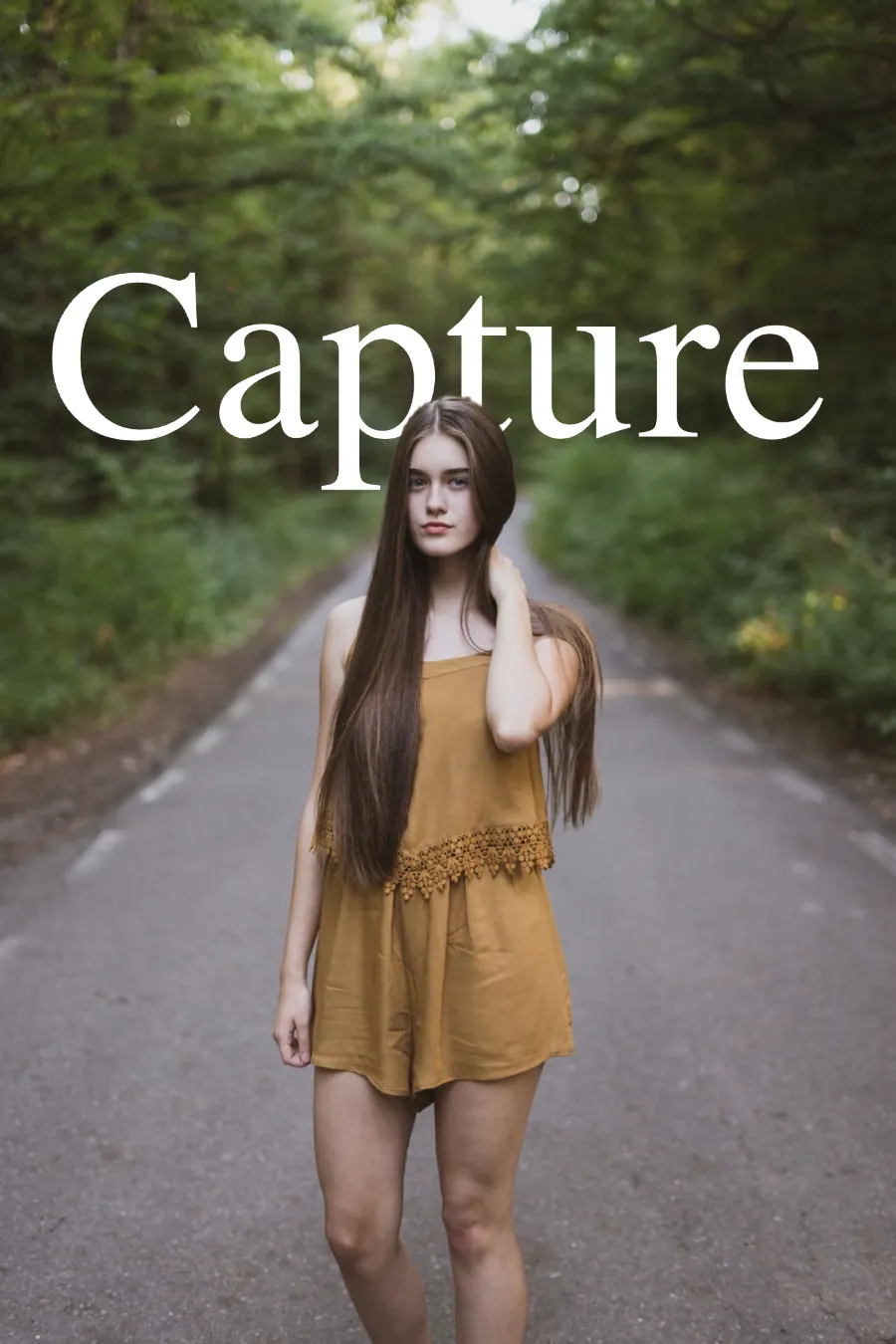
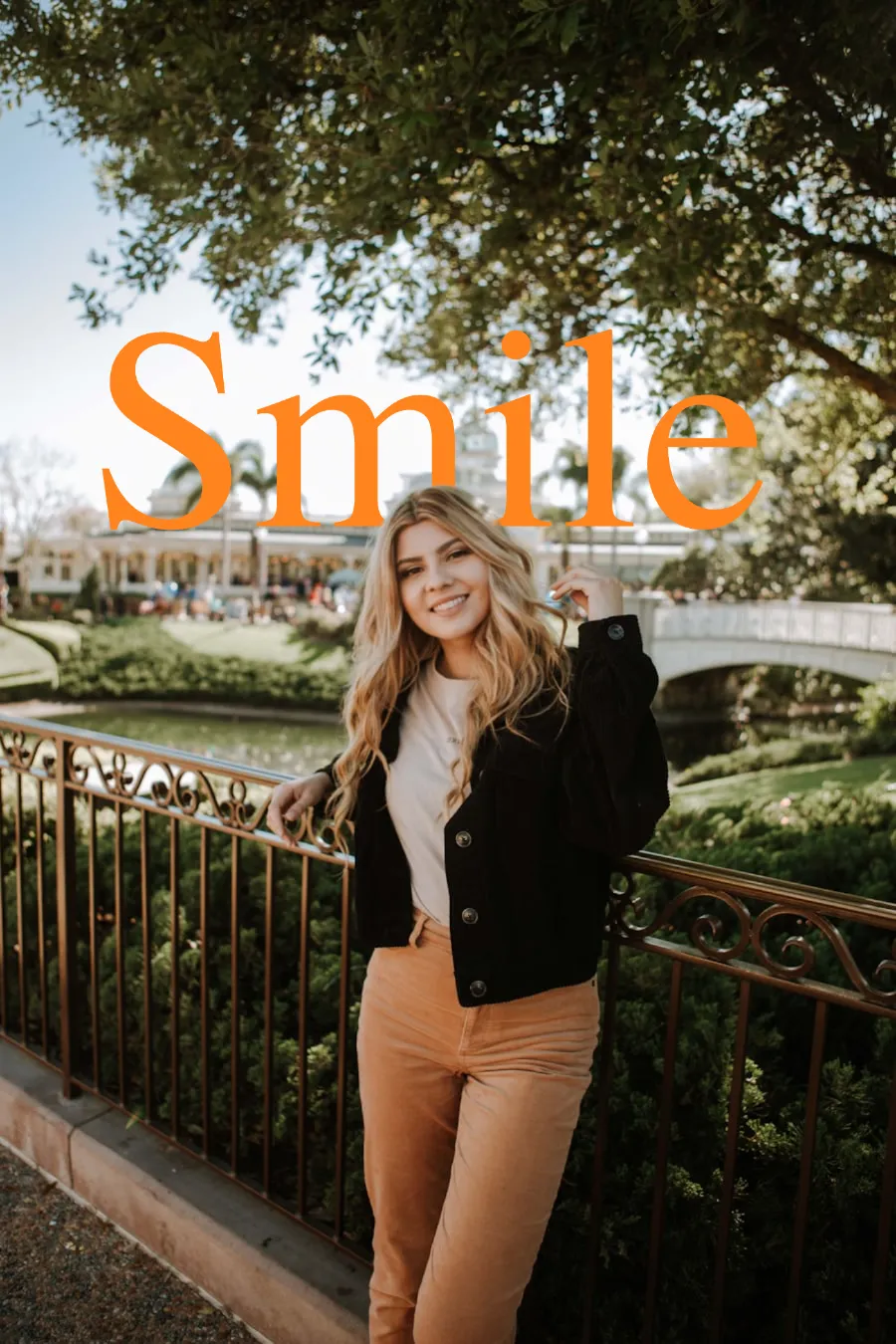
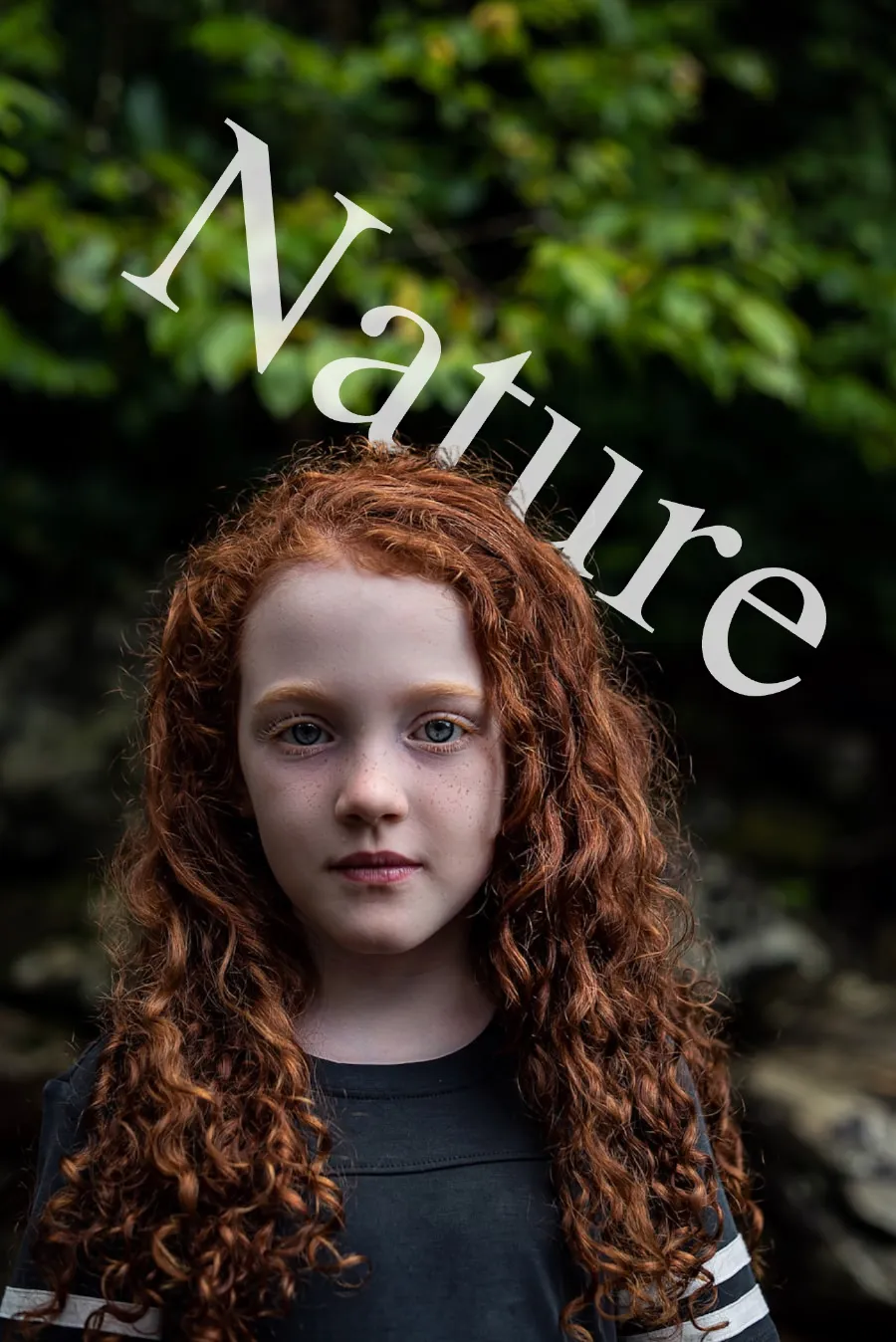
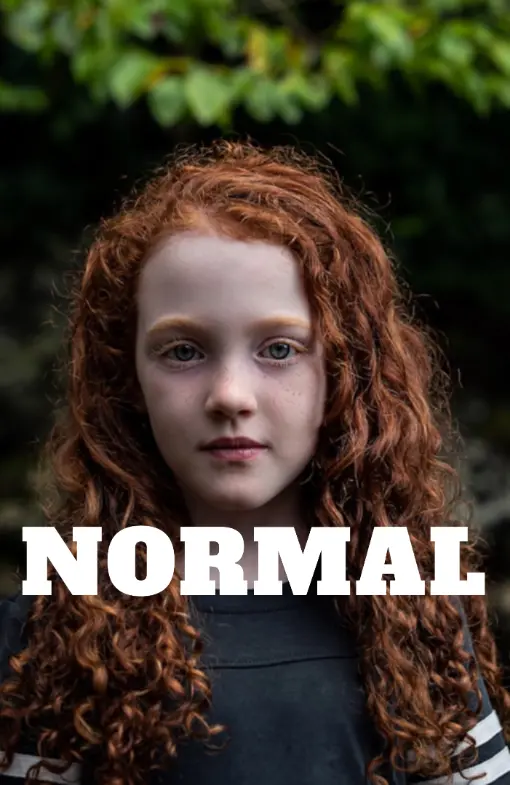
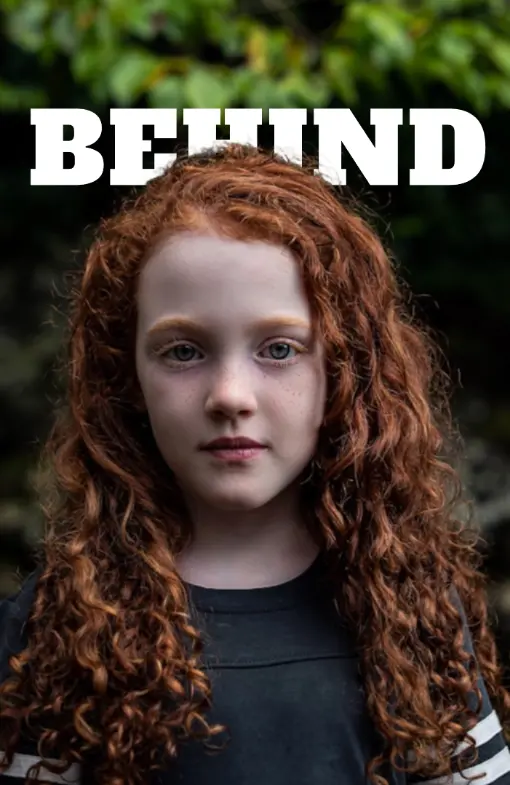
Tap the Overlay panel and select Behind mode. Your text now appears behind the subject in the photo. Drag it with your finger to reposition. Apply blend modes, 3D depth, perspective tilt, or text effects like Neon or 3D Shadow for extra impact.
Use the filter tabs to fine-tune brightness and contrast if needed. Tap Download — the image saves to your Android gallery or Downloads folder in the format that matches your upload. No watermark, no account required.
What is TextBehindImg?
TextBehindImg works on any Android phone or tablet — no app download required. Open the editor in Chrome, upload a photo from your gallery, and the AI automatically detects the subject so you can place text behind it in seconds. Everything runs in your browser. Design, download, and share — free, with no signup and no watermark.
Skip the Play Store. Open TextBehindImg in Chrome on your Android phone or tablet and start designing immediately. No installation, no account, and no storage used on your device beyond the finished image you save.
The AI runs entirely in Chrome on your Android device — no cloud processing required. Upload a photo from your gallery and the subject is detected automatically within seconds. Behind mode places your text behind the detected subject instantly.
Drag text layers with your finger to reposition them. Tap to select, style, and adjust. All panels and sliders are touch-friendly and scale to fit your Android screen — whether you are on a compact phone or a large tablet.
Apply a complete text style with a single tap on Android. 36 presets include Neon, Fire, Vintage, Chrome, Matrix, Gothic, and more — each setting the font, color, and spacing in one go. Quick to try, easy to refine.
Chrome on Android supports the EyeDropper API — tap the eyedropper button to pick any color from your photo and instantly apply it to your text. This is available in Chrome on Android but not in Firefox or other mobile browsers.
Tap Download and the finished image saves to your Android device's gallery or Downloads folder with no watermark. No account required, no subscription, and no redirect to a sign-up page.