Maximum file size: 50MB For entertainment only
AI reads your photo and estimates how old you look
For entertainment only. AI model estimates apparent age from your photo — lighting and photo quality affect the result significantly.
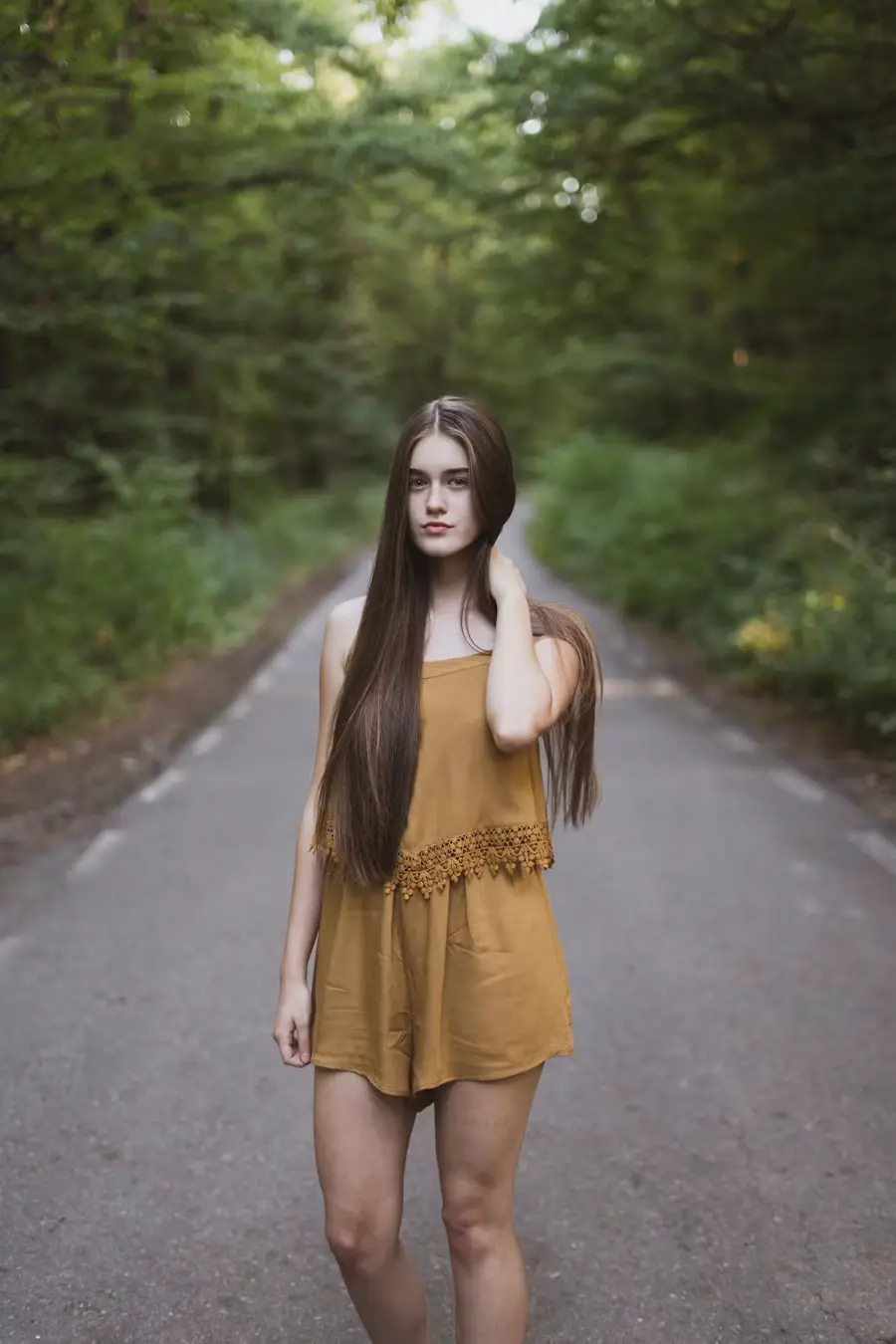
Your photo
For entertainment only. Lighting and photo quality affect this estimate significantly. Take the number with a smile.
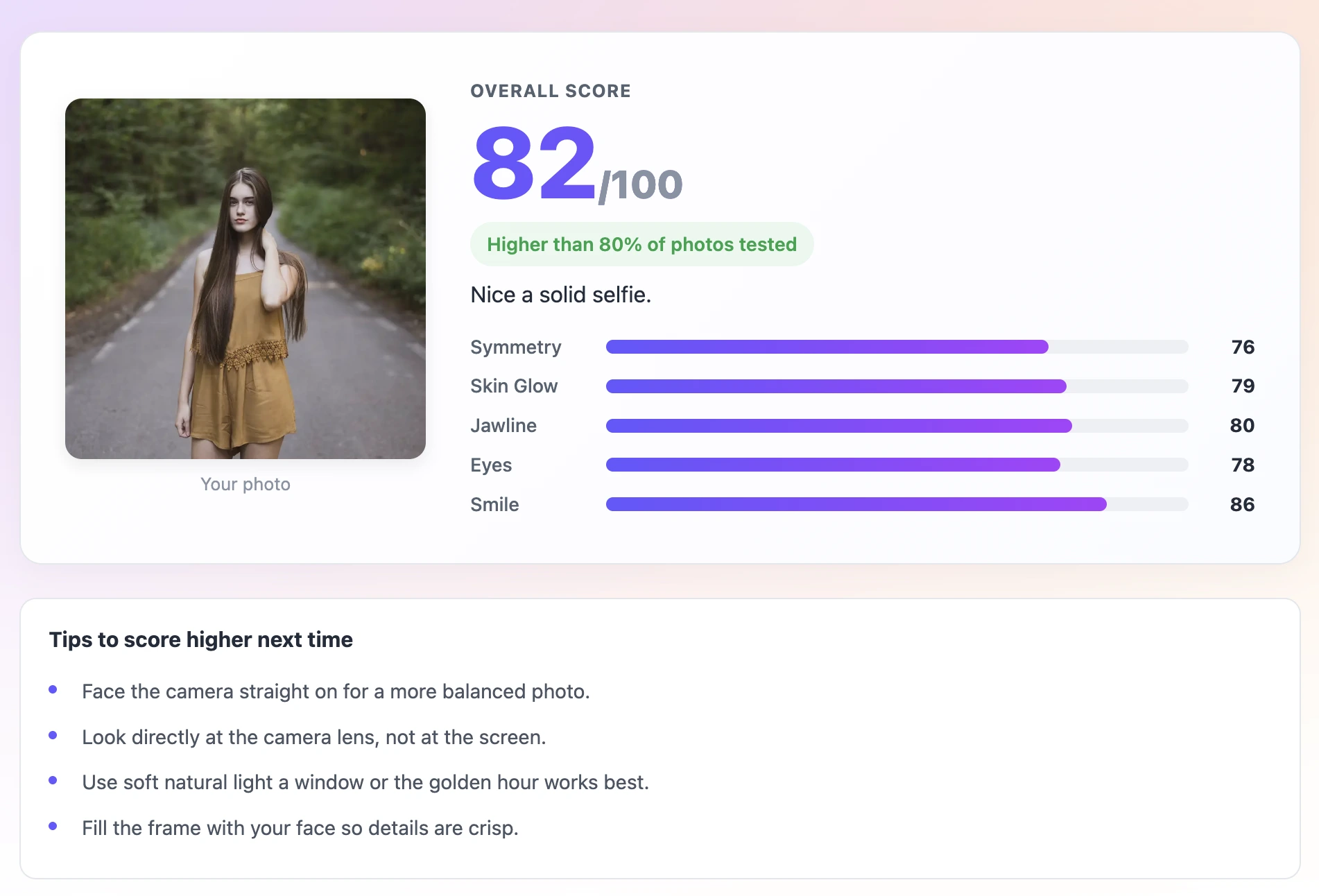
Use a sharp, well-lit, front-facing selfie. The AI works from pixel-level signals — a sharp photo with even lighting gives it the most reliable data to estimate from.
Review which signals produced your estimate. The breakdown shows whether the skin luminance, eye openness, texture visibility, or jawline definition were the dominant factors.
If a signal was flagged as weak — such as low luminance from poor lighting — fix that in your next photo and re-run the estimate. Watch how the result changes.
How the Age Estimator Works
The Age Estimator uses AI to produce a consistent, explainable age estimate from your photo. Upload a clear selfie and the AI returns an estimated age along with the signals it used to reach that number — skin luminance, eye openness, texture visibility, and jawline clarity. The same photo always gives the same result. If you want a more accurate estimate, the tool tells you exactly what to change in your photo and why.
The same photo produces the same result every time. This is not a random or opinion-based tool — it is a deterministic measurement of specific signals in your image.
See which signals drove the estimate: skin luminance, eye openness, texture visibility, and jawline definition. Understand why the AI landed on its number.
The accuracy of the estimate depends heavily on photo quality. The tool tells you which signals were weak and what to change — better lighting, sharper focus, more neutral expression.
The AI model runs locally in your browser. Your photo never leaves your device. No server processes it.
Works on iPhone Safari, Android Chrome, and all desktop browsers. No plugin or extension needed.
Download your result card with the estimate and signal breakdown. Useful for comparison across multiple photos.
The age estimator measures four signals from your photo and converts them into an age estimate:
Skin luminance — the brightness and evenness of the skin area. Higher luminance correlates with younger estimates because healthy, well-moisturised skin reflects more light evenly. Dry, poorly-lit, or textured skin reflects less light and less evenly, correlating with older estimates.
Eye openness — how fully open the eyes are in the image. Eye openness decreases measurably with fatigue and with age-related changes in the brow and eyelid area. The model registers wider, brighter eyes as younger.
Texture visibility — how much fine texture the model can detect in the skin region. More visible texture correlates with older estimates. Soft frontal lighting reduces apparent texture by filling in micro-shadows; side or overhead lighting amplifies it.
Jawline definition — how clearly the jaw edge reads against the background. A well-defined, high-contrast jawline correlates with younger estimates. Soft or low-contrast jawlines register as older, regardless of the person's actual age.
The single most important thing to understand about this tool is that photo quality directly determines estimate quality. The AI is not reading your face — it is reading your photo. If the photo is good, the estimate is closer to your real age. If the photo is poor, the estimate can be off significantly.
This is not a flaw. It reflects how the underlying signals work: skin luminance, eye openness, and texture visibility are all strongly affected by lighting conditions. A person who looks 30 in a well-lit photo might look 40 in an overhead-lit photo of the same quality and age. The signals genuinely change with light, and the AI responds accordingly.
The practical implication: if you get an estimate that seems off, do not assume the tool is wrong about your appearance. Improve the photo quality and re-run the estimate. In most cases, a better-lit photo will produce an estimate much closer to your actual age.
Beyond personal curiosity, the age estimator has some genuinely useful applications:
The age estimator has real limitations worth understanding:
It does not know your actual age. It is producing a data-driven estimate from photo signals, not a lookup or comparison to a database of real ages.
It works best on front-facing, well-lit photos. Side profiles, extreme angles, and photos taken in unusual lighting conditions produce less reliable estimates.
It measures apparent age in the photo, not biological age. A person who looks young for their age in person may look even younger in a good photo. A person who looks older in person may look younger in a well-chosen photo.
The estimate reflects the photo quality as much as the person. Use it as a tool to optimise photos, not as a statement about your actual age.
Save TextBehindImg
Press Ctrl+D (or ⌘D on Mac) to bookmark and come back anytime it's free forever.