rate my photo find out what makes a photo good or bad

Upload a photo and get a technical score — lighting, sharpness, composition, and more

Upload Your Photo

Drag and drop or click to select

Maximum file size: 50MB   For entertainment only

Or upload from URL
Or try with a sample image

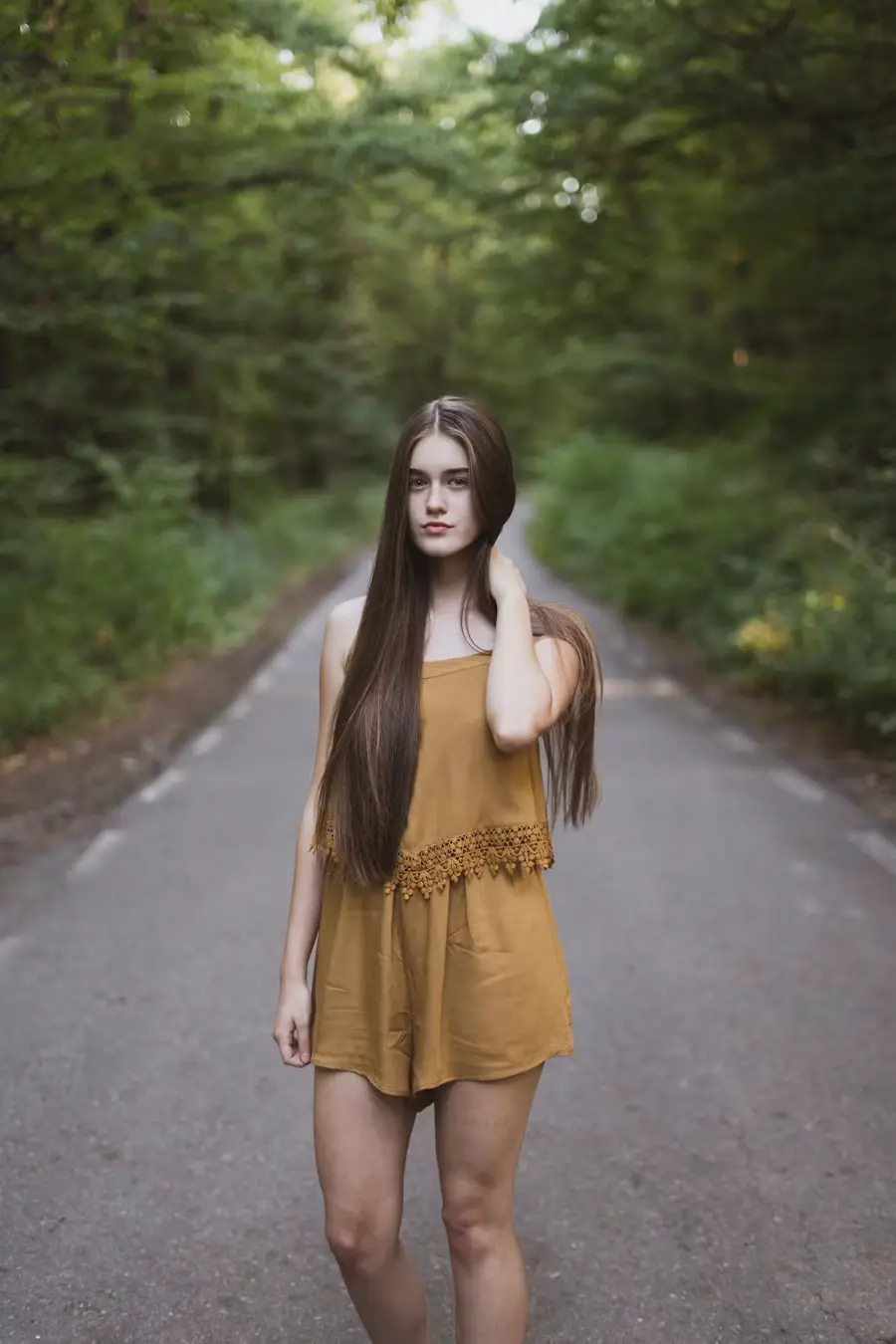
Sample photo for rating Sample photo for rating Sample photo for rating Sample photo for rating

What Gets Scored

Technical photo quality — not appearance

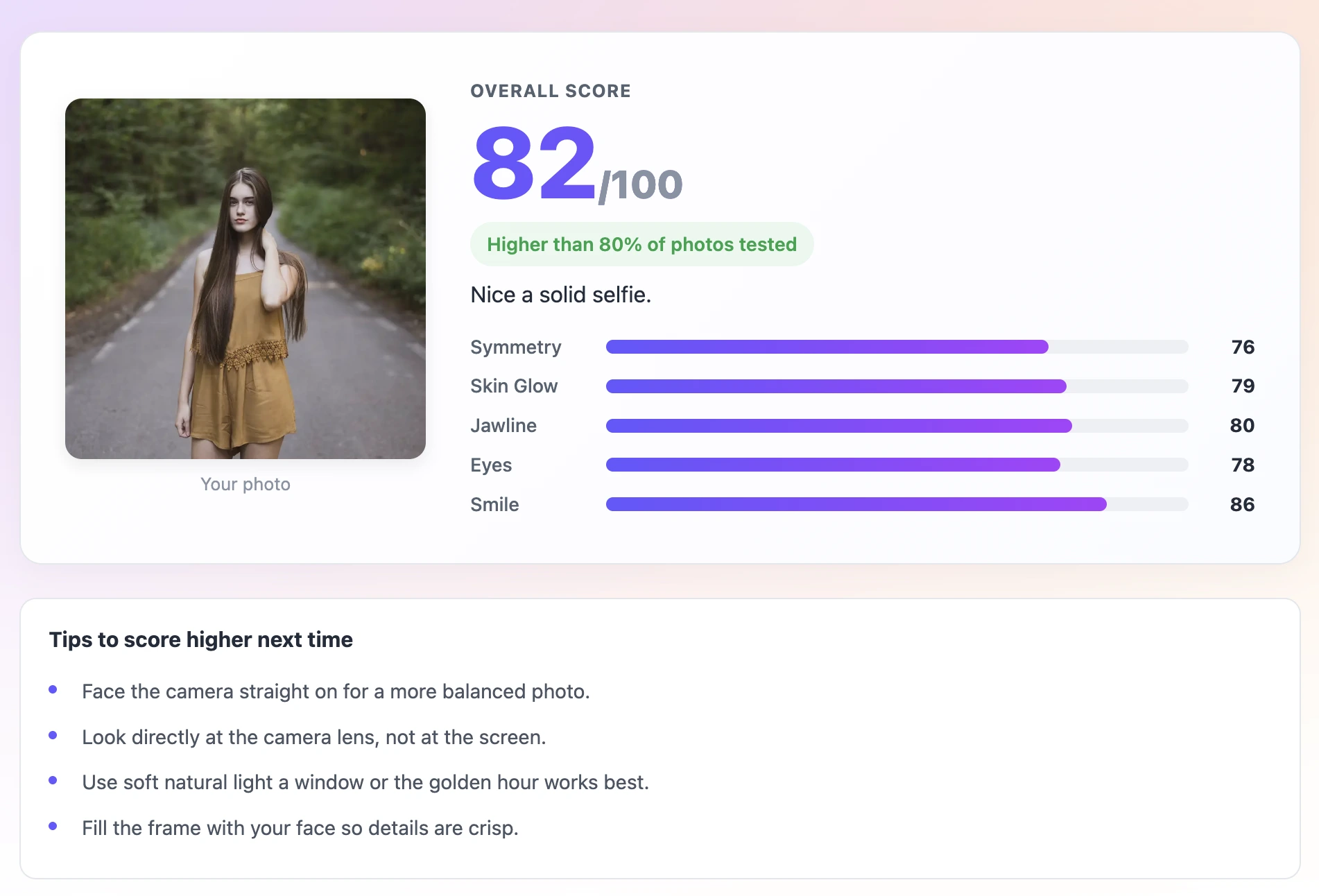
  • Lighting quality — soft vs. harsh vs. dark
  • Image sharpness and clarity
  • Face clarity — how well the face reads
  • Composition — framing and face-to-frame ratio
  • Expression — natural vs. tense
  • Runs 100% in your browser — photo never leaves your device

For entertainment only. Scores reflect photo quality, not your appearance.

Uploaded photo

Rating your photo

Reading pixel data
Measuring lighting and sharpness
Detecting face & expression
Building photo report

How to Rate a Photo — 3 Steps

1

Upload the Photo You Want to Rate

Choose the photo you are considering for a profile picture, portfolio, or post. The tool will tell you exactly why it looks the way it does.

2

Read the Technical Breakdown

Check the score for each category. Which one is pulling you down? A low lighting score means the photo needs better light. A low sharpness score means blur is the problem.

3

Fix the Problem and Re-Shoot

Take another photo addressing the lowest-scoring category. Run it through again and compare. Most people see a 10 to 20 point improvement from fixing one specific issue.

What Makes a Photo Actually Good?

Rate My Photo scores your picture on the technical things that separate a good photo from a bad one: lighting quality, sharpness, framing, and how well your face reads in the frame. Upload any photo and get a score out of 100 with a breakdown explaining exactly what is working and what is not. This is about photo quality — not appearance. A better photo of anyone beats a worse photo of anyone.

Rate My Photo — AI photo quality score and technical breakdown
Technical Photo Quality Score - text behind image feature

Technical Photo Quality Score

The score covers real photo quality markers: lighting evenness, image sharpness, face-to-frame ratio, brightness balance, and expression quality. Not just a number — an explanation.

Know Exactly What to Fix - text behind image feature

Know Exactly What to Fix

The breakdown pinpoints which technical element is pulling your score down — is it too dark, too blurry, is the face too small in the frame? Get specific instead of just guessing.

Compare Multiple Photos - text behind image feature

Compare Multiple Photos

Run several photos through the tool to find the highest-scoring one. Use it like a quality filter before you commit to a profile picture, press shot, or portfolio image.

Private In-Browser Analysis - text behind image feature

Private In-Browser Analysis

Your photo never leaves your device. The entire analysis runs in your browser — no upload, no server, no storage.

Works on Any Photo Format - text behind image feature

Works on Any Photo Format

JPEG, PNG, or any standard image file. Works in any modern browser on phone or desktop.

Downloadable Score Card - text behind image feature

Downloadable Score Card

Download your result as a shareable card. Useful for comparing photo sets or showing before-and-after improvement.

Frequently asked questions

It measures technical photo quality: lighting evenness, image sharpness, face-to-frame ratio, overall brightness, and expression clarity. It is a quality score for the photo itself, not a judgment of the person in it.

It rates the photo. Two identical-looking people in photos with different lighting quality will get different scores. The score reflects photo technical quality — not your appearance.

Probably because their photo had better natural lighting. Lighting is the dominant factor in photo quality scores. A relaxed, candid photo in good natural light usually beats a posed photo in indoor lighting.

Move to better light. Natural light from a window is free and consistently produces the highest-scoring photos. Overhead indoor lighting is the most common cause of low scores.

The tool is optimised for photos with a face in the frame. It will still score other photos based on brightness and sharpness, but the face-related categories will not produce meaningful results.

Yes. The analysis runs entirely in your browser. Your photo is never uploaded to any server.

Yes. No account, no payment, no watermark.

A score above 75 is a good photo. Above 85 is strong. Anything above 90 is excellent and usually means near-perfect lighting, sharp focus, and a natural expression.

What Actually Makes a Photo Good?

Most people assume photo quality is mostly about the camera. It is not. Research into what makes photos look professional versus amateur consistently shows that lighting explains most of the difference — not equipment, not editing, not the subject.

Lighting quality is the dominant factor. Soft, even light from the front fills in shadows, reveals skin texture in a flattering way, and makes colors look natural. Harsh overhead light creates deep under-eye shadows. Side lighting creates dramatic shadows that can look good in portrait photography but usually drop photo scores because the face looks uneven.

Sharpness is the next most important factor. A sharp photo at lower resolution looks more professional than a blurry photo at high resolution. Phone cameras produce excellent sharpness when held steady in good light. The front camera on most phones is softer than the rear camera — a relevant difference when choosing which camera to use for a profile photo.

Framing and face-to-frame ratio affect how the photo reads. A face that fills 40 to 60 percent of the vertical frame looks intentional and well-composed. A face that takes up 15 percent of the frame with lots of empty space around it looks incidental and poorly cropped.

The Score Categories Explained

The photo score breaks down into five categories:

Lighting — how bright and even the light is across the face. Scored highly when light is soft and frontal. Scored lower when there are deep shadows or uneven exposure.

Sharpness — how clearly defined the fine details are. A photo taken with a steady hand in good light will score higher than one taken in low light where the camera used a slow shutter speed and captured motion blur.

Framing — how well the face fills the intended area of the photo. Centered, appropriately sized faces score higher.

Brightness balance — the overall exposure level. Slightly bright but not overexposed scores best. Underexposed dark photos score lowest on this category.

Expression quality — how natural and open the expression is. Relaxed, genuine expressions score higher than tense, forced, or deadpan ones.

How to Take a Consistently High-Scoring Photo

Follow this process and your scores will consistently be in the 80s:

  • Find a window with indirect natural daylight — not direct sun, which creates harsh shadows
  • Stand facing the window so the light is coming at your face from the front
  • Use the rear camera on your phone — it is sharper than the front camera
  • Hold the phone at face level or slightly above — never below
  • Set a timer or ask someone to take the photo so you are not holding the phone
  • Take 15 shots with slightly varying expressions
  • Pick the one where your eyes are fully open and your expression is most relaxed
  • Do not crop below the shoulders — frame the shot from mid-chest up

Photo Rating vs. Appearance Rating — The Difference

A photo rating is not an appearance rating. This is worth being clear about.

A photo rating measures technical quality. A well-lit photo of any person will score higher than a poorly-lit photo of the same person. The score goes up when you improve the photo. It does not go up when you change your appearance.

An appearance rating would try to judge the person. This tool does not do that. When your score is low, the answer is almost always the same: get better light. When your score goes up, it is because your photo got better — not because you changed.

Recent Posts

🔖

Save TextBehindImg

Press Ctrl+D (or ⌘D on Mac) to bookmark and come back anytime it's free forever.