rate my photo for ig will this photo perform on instagram?

Get a score before you post — find out if your photo is ready for instagram

Upload Your Instagram Photo

Drag and drop or click to select

Maximum file size: 50MB   For entertainment only

Or upload from URL
Or try with a sample image

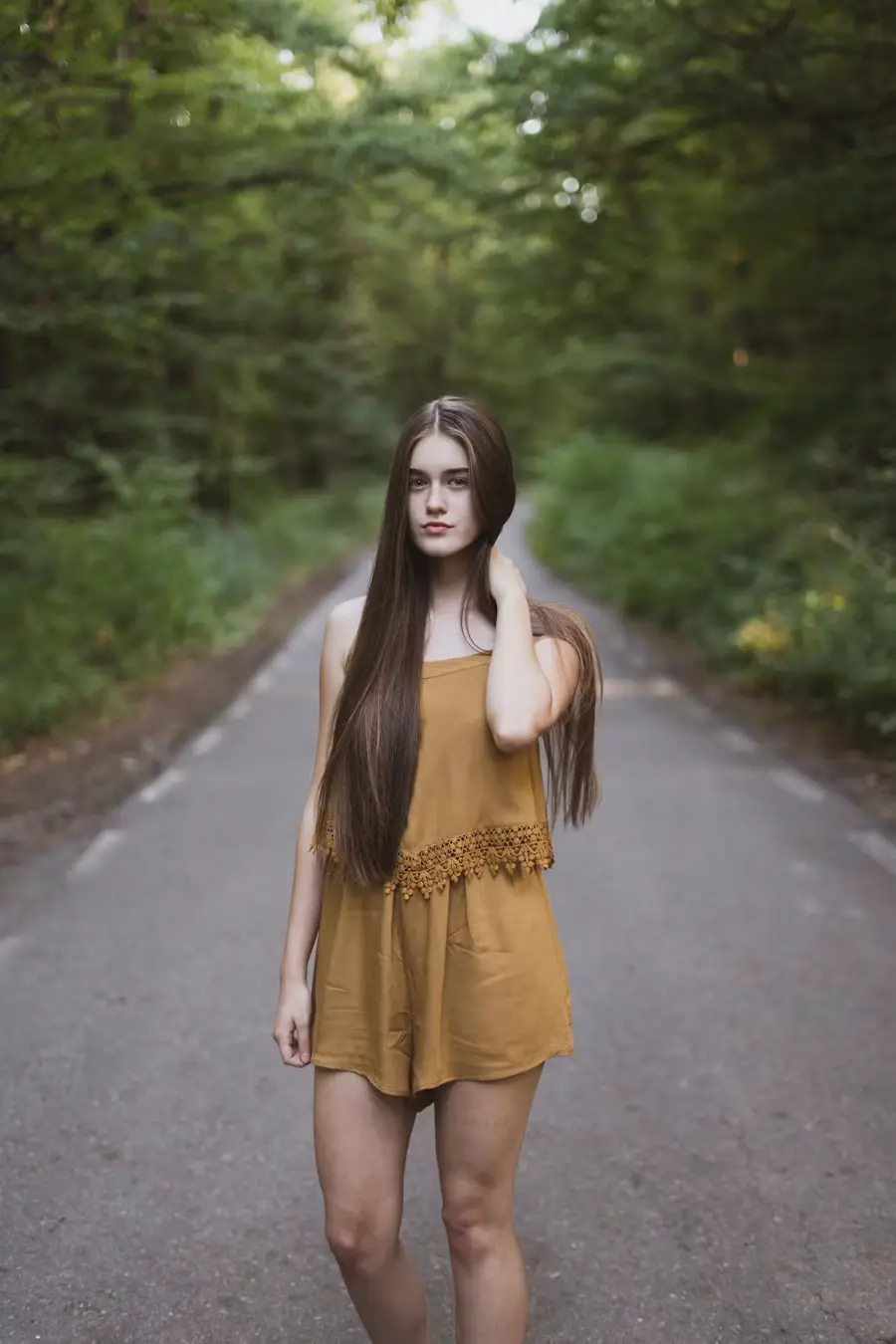
Sample IG photo for rating Sample IG photo for rating Sample IG photo for rating Sample IG photo for rating

Instagram Readiness Check

Real analysis before you post

  • Real brightness reading from pixel-level luminance
  • AI face detection — size, prominence, and clarity
  • Visual impact from measured contrast and saturation
  • Sharpness from image edge variance — crisp or soft?
  • Runs 100% in your browser — photo never leaves your device

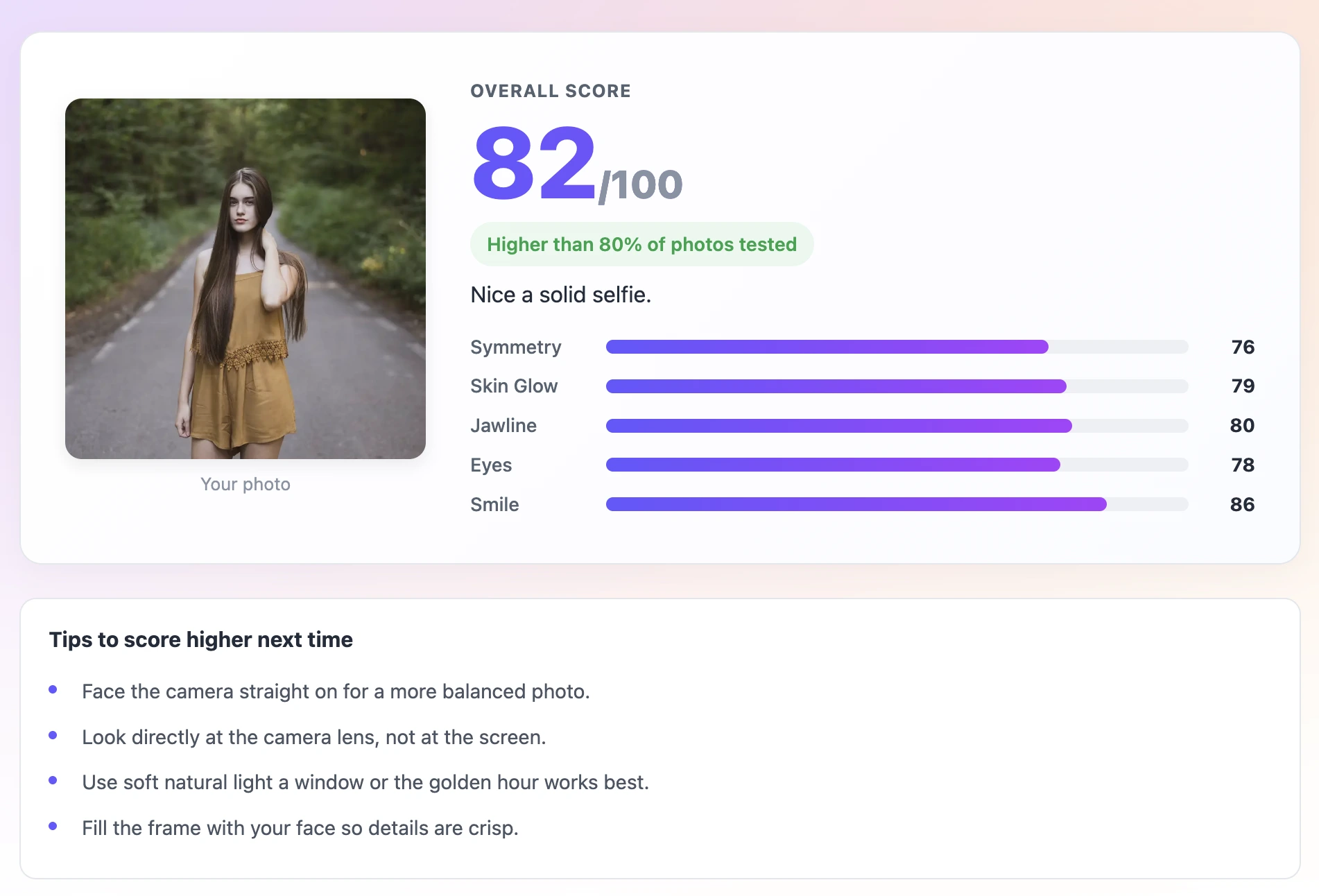
For entertainment only. Scores come from real image analysis — brightness, sharpness, saturation, and AI face detection.

Uploaded photo

Running Instagram check

Reading pixel data
Measuring brightness & contrast
Detecting face with AI
Scoring Instagram readiness

Rate Your Photo Before You Post — 3 Steps

1

Upload the Photo You Are About to Post

Pick the specific photo you are considering for your next Instagram post. The score will tell you whether it is strong enough or whether you have a better option.

2

Check the IG-Specific Score

Look especially at the brightness and face clarity scores — those are the biggest drivers of performance on Instagram. Low scores in either of those mean the photo needs work before posting.

3

Post the Winner

If you have multiple candidates, run them all and post the highest scorer. If the best photo still has a specific weakness, fix it quickly before posting — often just brightening the photo in editing is enough.

Score Your Photo Before It Goes Live

Not every photo performs the same on Instagram. Before you post, upload it here and get a score on the things that drive engagement on IG: visual brightness, face clarity, thumbnail impact, and how the photo reads at small sizes in a grid or feed. Find out if your photo is ready or if a few simple changes could make it perform significantly better.

Rate My Photo for IG — Instagram photo performance score
Instagram-Specific Scoring - text behind image feature

Instagram-Specific Scoring

The score weights visual brightness and face clarity more heavily — the same things that drive the stop-scroll effect in a fast-moving Instagram feed.

How It Reads on Mobile - text behind image feature

How It Reads on Mobile

Instagram photos are mostly viewed on phones at small sizes. The score checks whether your photo has enough brightness and contrast to pop at thumbnail size, not just at full resolution.

Find Your Best IG Photo - text behind image feature

Find Your Best IG Photo

Upload the 3 to 5 photos you are choosing between and run them all through. The highest-scoring one is likely to perform best in the feed.

Private — No Upload to Any Server - text behind image feature

Private — No Upload to Any Server

Your photo stays on your device. The AI runs in your browser. Nothing is stored, shared, or sent anywhere.

Check It Straight From Your Camera Roll - text behind image feature

Check It Straight From Your Camera Roll

Open on your phone, pick from your camera roll, and the score is back in seconds. Fast enough to check before you post.

Share Your Score on Stories - text behind image feature

Share Your Score on Stories

The result card is built for Instagram Stories format. Share your score as content — it drives conversation and profile visits.

Frequently asked questions

No guarantee — likes also depend on your caption, hashtags, posting time, and your audience. But a high-scoring photo is clearer, brighter, and more visually striking, which consistently improves the stop-scroll rate.

Brightness is the biggest factor. Instagram feeds are fast-scrolling, and brighter photos stop the scroll more consistently than dark ones. After that: clear, prominent face in the frame, high sharpness, and a natural expression. These same factors also score well on the tool.

Stop-scroll is when someone pauses their scrolling to look at your photo. Photos that are bright, visually clear, and have an emotionally readable expression stop the scroll more often. That initial pause is what leads to likes and saves.

Try it both ways. Run the unedited version to see the raw score, then brighten and sharpen it in editing and run it again. This shows you exactly how much your editing is helping the photo.

Above 75 is solid for Instagram. Above 85 is strong — you will likely see good performance from that photo. Below 65 usually means there is a clear technical issue worth fixing before posting.

Yes. The AI runs in your browser. Your photo never leaves your device and is never sent to any server.

Yes. No account, no payment.

A bright, sharp selfie or portrait in natural light with the face taking up a significant portion of the frame and a natural, relaxed smile. These same photos consistently see higher engagement rates on the platform.

What Makes a Photo Perform on Instagram

Instagram is a visual platform built for fast consumption on mobile screens. The photos that perform best share a few consistent characteristics that are directly related to what this score measures.

Brightness is the single most impactful factor. The Instagram feed moves fast and the eye is naturally drawn to brighter elements. A bright, well-lit photo stops the scroll; a dark one blends into the background. This is not about overexposing — it is about well-exposed images where the subject is clearly visible and the colors look natural.

Face clarity and size drive emotional engagement. Faces are processed faster by the human brain than any other visual element. A photo where a face is large, clearly visible, and emotionally readable generates more engagement than one where the face is small or obscured. Instagram's own research confirms that posts with prominent human faces tend to outperform posts without them.

Expression authenticity affects how people respond. Natural, genuine expressions — whether happy, thoughtful, or amused — perform better than staged or forced ones. People are extremely good at detecting inauthentic expression even in a fraction of a second, and it affects whether they stop scrolling or continue.

The Difference Between a Good Photo and a Good IG Photo

Not all good photos are good Instagram photos. A technically excellent photo with beautiful composition and perfect exposure can underperform on Instagram if it is moody and dark — because dark photos do not stop the scroll.

Instagram rewards brightness, faces, and emotional accessibility more than technical photographic perfection. A casual, slightly overexposed outdoor selfie with a genuine smile often outperforms a perfectly composed studio portrait that is lit for drama rather than clarity.

This is what the Instagram-specific score weights for. A photo can be technically correct and still score lower than a bright, casual photo because the bright photo has more scroll-stopping potential in a real Instagram feed.

Quick Edits That Improve IG Performance

If your photo scores lower than you want, these edits consistently improve IG performance:

  • Increase brightness by 10 to 15 percent — makes the photo pop on mobile screens
  • Increase clarity or texture by 10 percent — makes the photo look sharper in thumbnails
  • Lift the shadows slightly — brings detail back into dark areas without overexposing highlights
  • Increase warmth slightly — warm tones perform better on Instagram than cool-toned edits
  • Crop to 4:5 ratio — this is Instagram's optimal portrait ratio and takes up more feed space
  • Sharpen slightly — a subtle sharpen makes a big difference at thumbnail size

Timing and Context Matter Too

The score tells you about the photo. Instagram performance also depends on factors outside the photo itself.

Posting time matters. Posting when your specific audience is active — which you can check in Instagram Insights — consistently outperforms posting at random times. For most accounts, early morning and evening on weekdays outperforms midday.

Your caption is the second screen. After the photo stops the scroll, the caption has to hold attention. A high-scoring photo with a strong caption performs better than a high-scoring photo with no caption.

Hashtags are less powerful than they used to be but still relevant for discovery. Use a mix of sizes — a few large hashtags and several medium and small ones that are specific to your niche.

The photo score is one piece of the puzzle. Get it right, then focus on the other pieces.

Recent Posts

🔖

Save TextBehindImg

Press Ctrl+D (or ⌘D on Mac) to bookmark and come back anytime it's free forever.