Maximum file size: 50MB
AI blurs your background in seconds — subject stays sharp
Your blurred photo will appear here
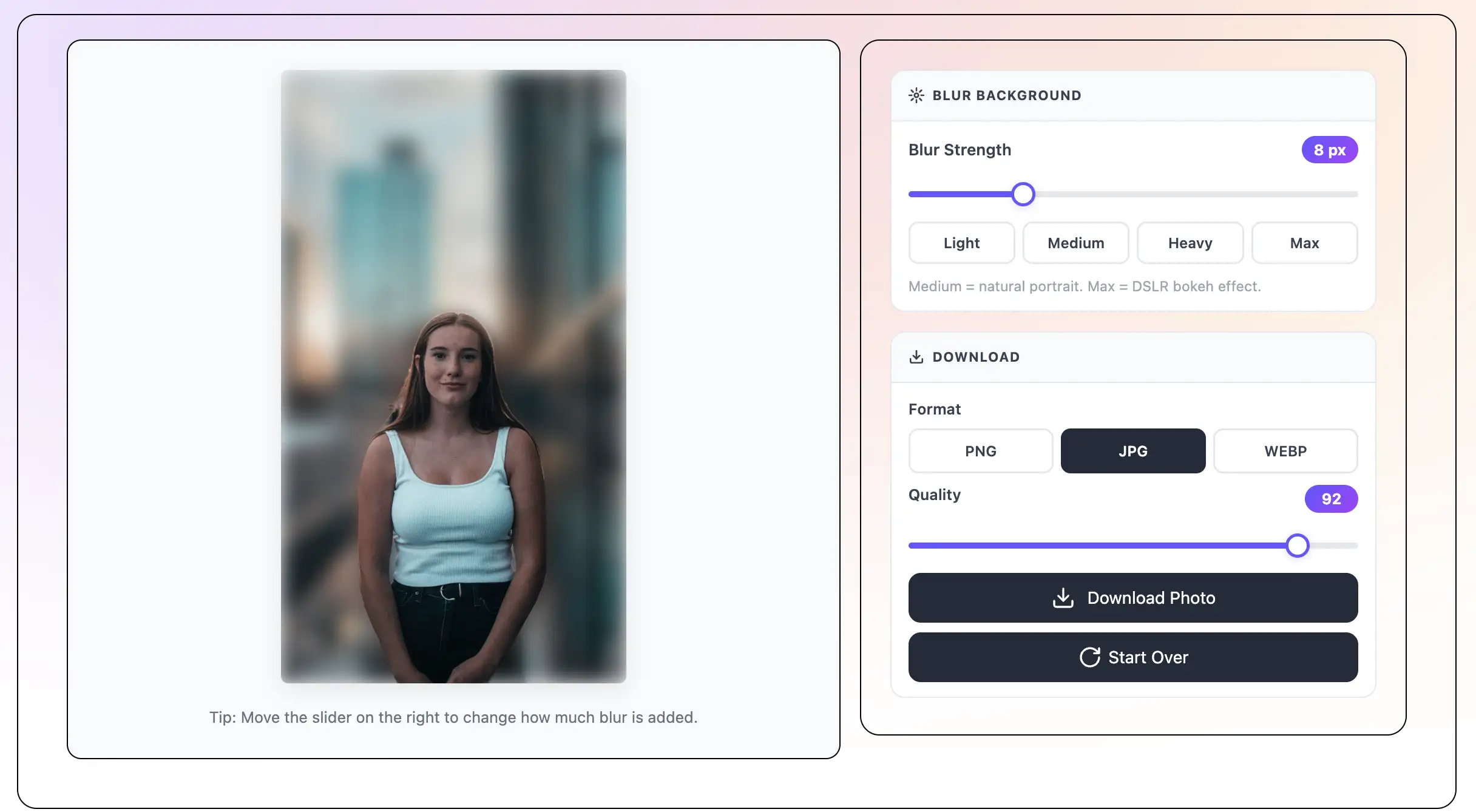
Tip: Move the slider on the right to change how much blur is added.
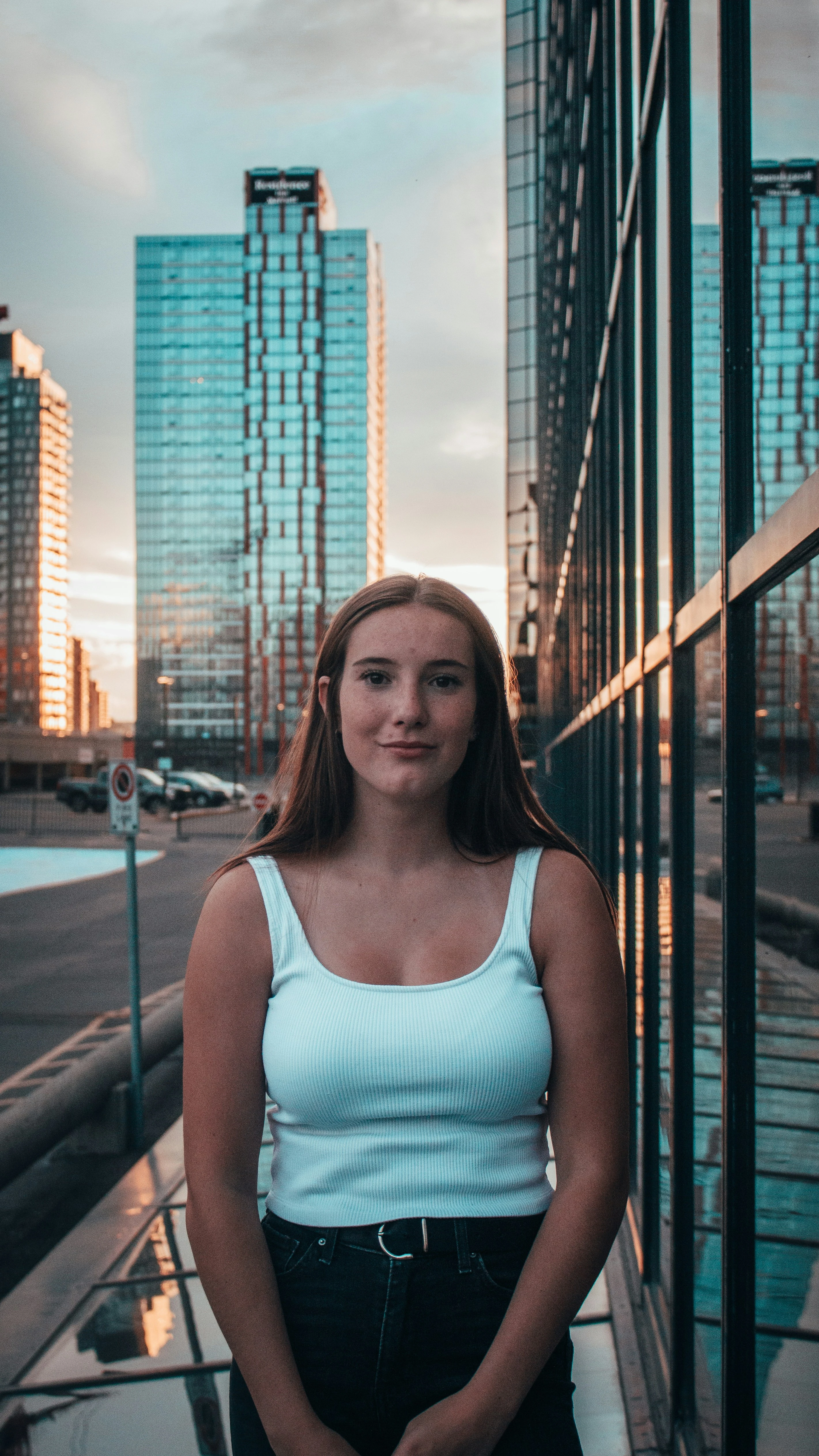
Drag and drop your photo, click to browse, paste a URL, or click one of our sample photos. Supports JPEG, PNG, and WebP up to 50MB.
The AI finds the main subject in your photo and separates it from the background. The background gets a smooth blur effect while the subject stays in sharp focus.
Move the slider or use the preset buttons to set how much blur you want. Light is a small, natural blur. Max gives a strong DSLR-style bokeh effect. The preview updates as you adjust.
Click Download to save your photo. Choose PNG, JPG, or WebP. No watermark and no sign-up. The file goes straight to your device.
What is Blur Background Online?
Blur the background of any photo online — for free, with no sign-up. Upload your photo. The AI finds the subject and blurs only the background in seconds. The person or object in front stays sharp. Pick how much blur you want with a simple slider. Download your photo with no watermark. No Photoshop. No app to download. Works on any phone, tablet, or computer.
Upload your photo and the AI blurs the background right away. No manual selection, no masking, no skill needed. Just upload and download.
Use the slider or preset buttons to pick how much blur you want. Light, Medium, Heavy, or Max. The preview updates instantly.
Skip the complicated steps in Photoshop. This tool does the same job in a few seconds. Free, fast, and easy to use.
Save your blurred background photo in any format. No watermark. No sign-up. Download right to your device.
Every feature is free. No account needed. No watermarks. No usage limit.
The AI runs inside your browser. Your photo is never uploaded to a server. It stays private on your device.
Blurring the background of a photo means making everything behind the main subject look soft and out of focus. The subject — a person, face, or object — stays sharp in the front. This soft, blurry background is called bokeh or depth of field.
This look is very popular because it makes the subject stand out. It is the same effect you see in professional portraits and photos taken with DSLR cameras. With this free online tool, you can add it to any photo in seconds.
There are many reasons to blur a background:
Photoshop is a powerful tool, but it takes time and skill to blur a background in it. You have to select the subject, create a mask, apply a blur filter to the right layer, and clean up the edges by hand. This takes 10 to 30 minutes.
This online tool does the same job in seconds. The AI separates the subject from the background automatically. No manual work. No software to install. No account to create. It is free and works in any browser.
Use these blur settings to get different results:
Follow these tips to get the best results:
All free, no sign-up — same photo works across every tool
Save TextBehindImg
Press Ctrl+D (or ⌘D on Mac) to bookmark and come back anytime it's free forever.