Maximum file size: 50MB
AI blurs your background in seconds — subject stays sharp
Your blurred photo will appear here
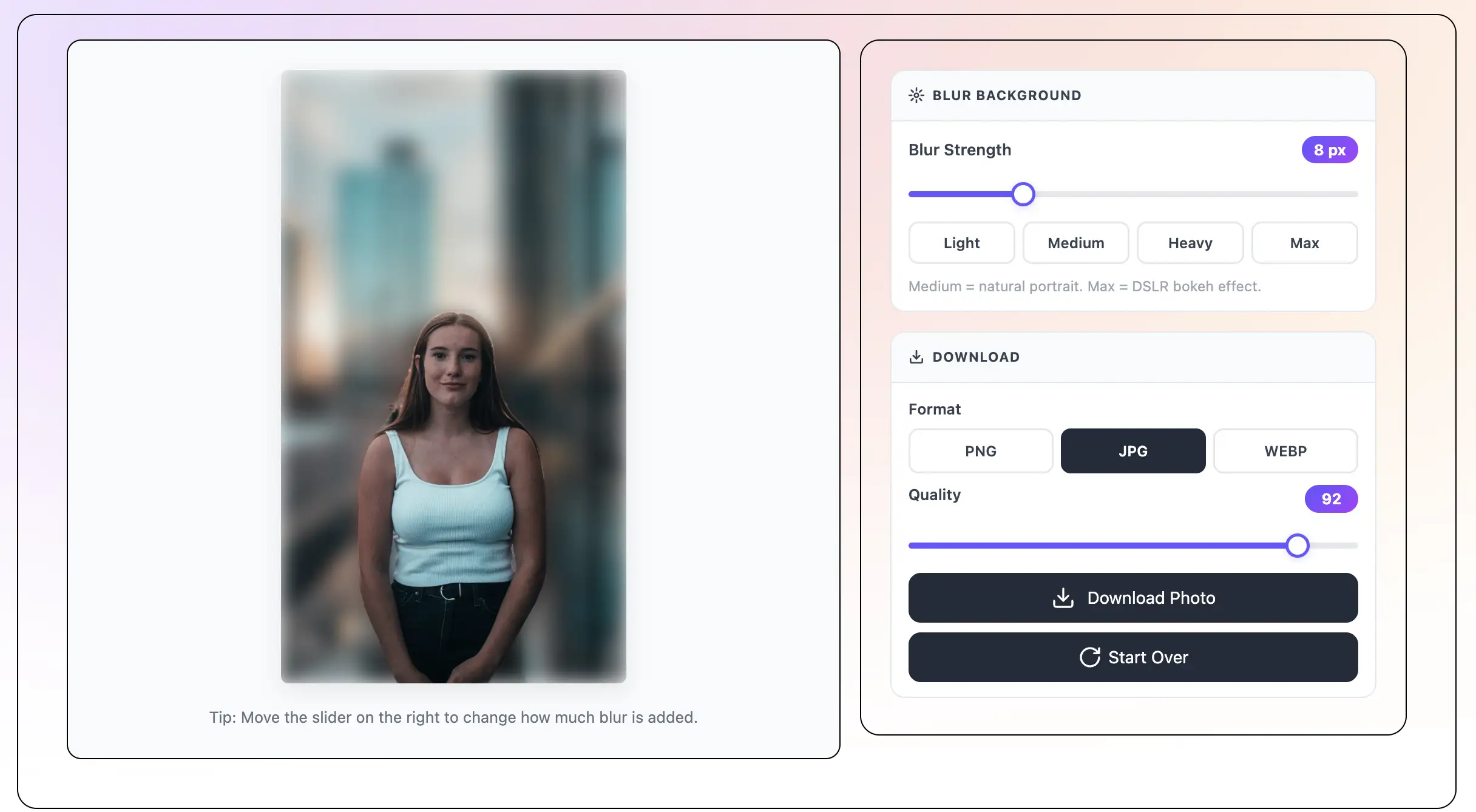
Tip: Move the slider on the right to change how much blur is added.
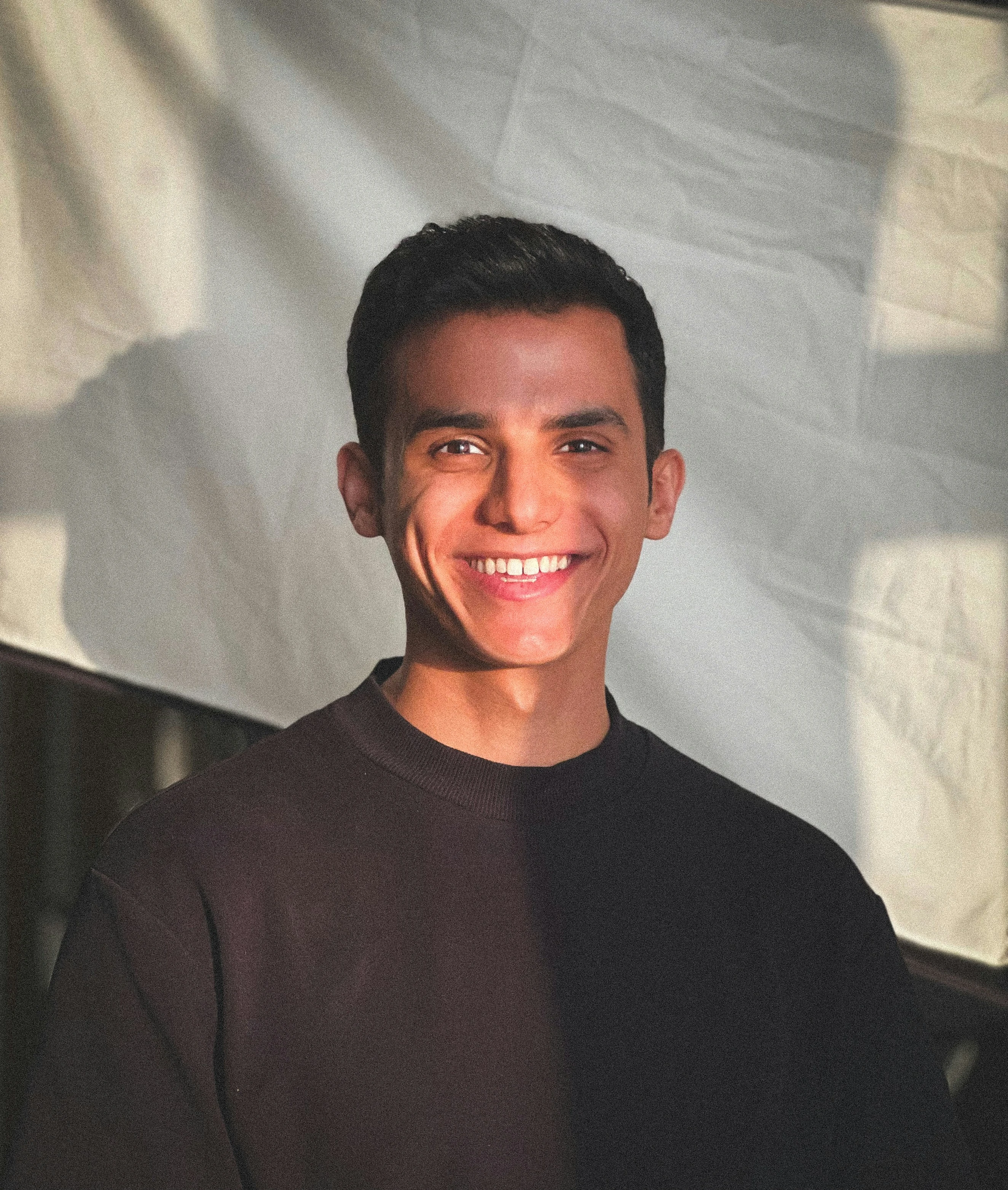
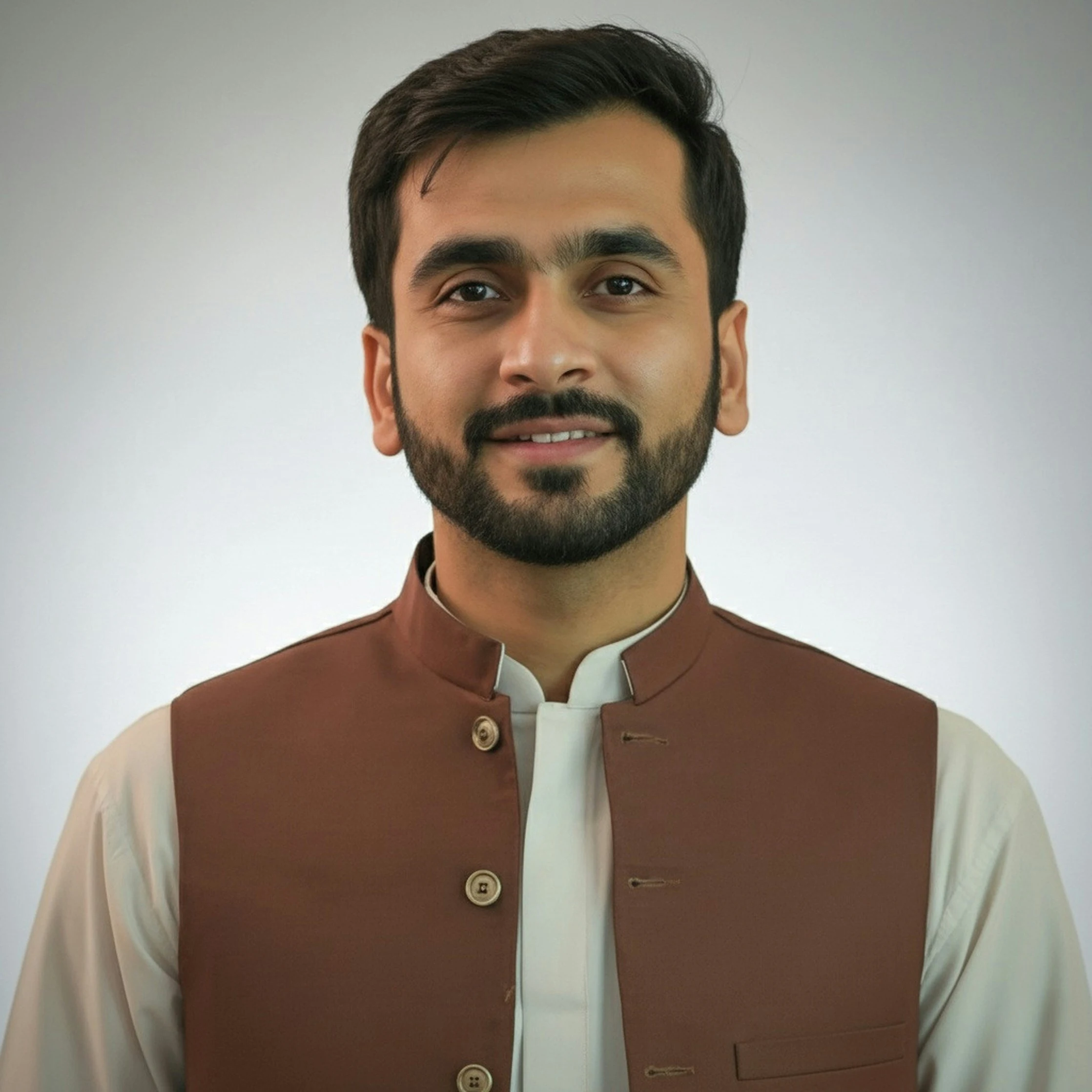
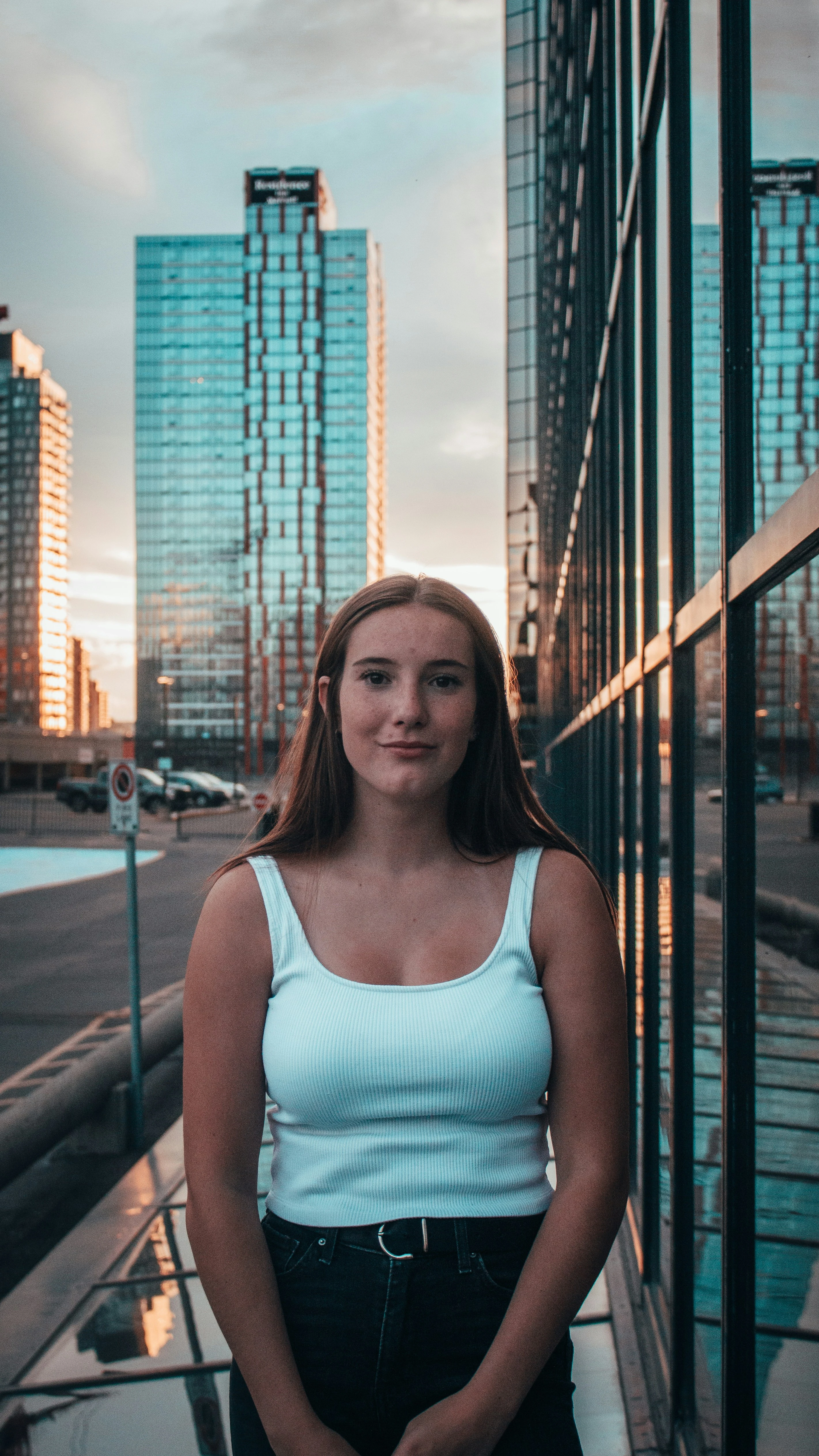
Click Select File, drag and drop, paste a URL, or click a sample photo to try it. The tool accepts JPEG, PNG, and WebP up to 50MB.
The AI finds the main subject and separates it from the background. The background gets blurry and the subject stays sharp. This takes just a few seconds.
Move the slider or click a preset: Light for a small blur, Medium for a natural portrait look, Heavy for a strong blur, or Max for a DSLR bokeh effect. The preview updates right away.
Click Download. Pick PNG, JPG, or WebP. No watermark and no sign-up. The photo saves to your device.
What is Blur Photo Background?
Blur the background of any photo and make it look like a professional portrait. Upload your photo and the AI finds the person or object in front. It blurs only the background — the subject stays sharp and clear. This is the same blur effect that DSLR cameras and portrait mode on phones create. No app to download. No sign-up. Free to use. Works on iPhone, Android, and computers.
The AI finds the person or object in your photo and blurs the background automatically. It works for portraits, selfies, headshots, and product photos.
Get the portrait mode look on any photo — even old ones. The blurred background makes your subject pop just like a modern phone camera does.
Set the blur to Max for a full bokeh effect that looks like it came from a DSLR camera. Great for creative portraits and social media.
Save your photo in the format you want. No watermark. No sign-up. The file saves straight to your device.
The whole tool is free. No account needed. No watermarks. Use it as many times as you like.
The AI runs inside your browser. Your photos stay on your device the whole time. Nothing is uploaded to a server.
A blurry background makes the subject of a photo stand out. When the background is soft and out of focus, the eye goes straight to the person or object in front. This is why professional photographers always blur the background in portrait and headshot photos.
You do not need an expensive camera to get this look. This free online tool adds a blurry background to any photo in seconds. The result looks like a professional portrait.
Portrait mode on modern iPhones and Android phones uses AI to blur the background automatically. The result looks great — a sharp subject with a soft, creamy background.
This tool does the same thing for any photo — not just ones taken with portrait mode on. Upload an old photo, a photo from a party, a product photo, or any image. The AI adds the portrait mode blur effect right away.
Not all photos need a blurry background. Here are the cases where it works best:
Many apps let you blur a photo background, but most of them cost money or leave a watermark on the photo. This tool is different. It runs in your browser — no app to install, no sign-up, no watermark, and no cost.
Open the page on your phone or computer. Upload your photo. Download the result. That is all you need to do.
All free, no sign-up — same photo works across every tool
Save TextBehindImg
Press Ctrl+D (or ⌘D on Mac) to bookmark and come back anytime it's free forever.